2 分 → 30 秒 + マルチターン
ワークフロー圧縮:より速く出稿、多段でも安定。
プロンプト
I’ve been using GPT Image 2 for visual work for a long time, and 2.5 feels like a really big improvement. With the same prompt and image input, what used to take around two minutes now takes about 20–30 seconds.

I’ve tried splitting generated images into layers. For infographics, I separated the background, text, and other elements, erased and edited them individually, then put them back together. The regenerated content would often shift slightly. It looked fine on its own, but didn’t line up when I put the layers back together.

When I tried the same workflow with 2.5 this time, that drift was barely noticeable.

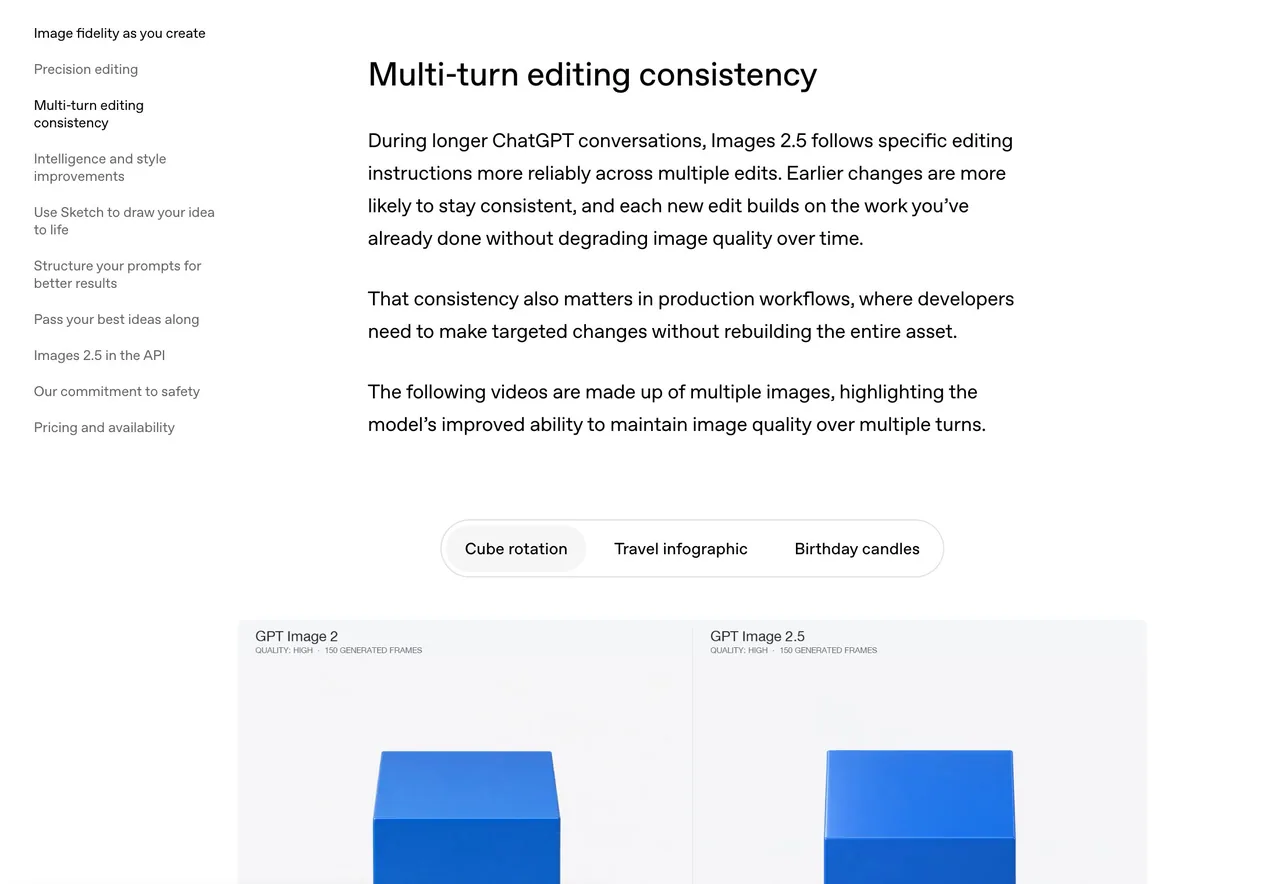
I later noticed OpenAI has a demo of this on its website, under “Multi-turn editing consistency.” Earlier edits stay more consistent through later rounds of editing. For my workflow, I think this makes all the difference.

Another change stood out. I like using it for images with lots of text, but the old model would often leave marks around the text that looked like water stains. I didn’t see any in the images I generated this time. Much cleaner.

I ran a few sets of infographic editing tests using the same prompt and image input, all at 2K with quality set to high. Average times:

GPT Image 2: 122.2 seconds
GPT Image 2.5 Flare: 25.28 seconds
GPT Image 2.5 Sunburst: 30.89 seconds

OpenAI says image generation latency is up to 50% lower than Images 2, but the drop in generation time was even larger in my tests.

There are two versions this time: Flare and Sunburst. Flare is aimed at fast, everyday, high-volume generation. Sunburst is for more demanding generation and precise editing, and OpenAI says it takes longer.

Generating a good-looking image is one thing. Being able to keep editing it and put the pieces back together is another. I think this makes image editing much more practical.
日本語訳
ビジュアル制作で GPT Image 2 を長く使ってきましたが、2.5 は本当に大きな改善だと感じます。同じプロンプトと同じ画像入力で、以前は 2 分ほどかかっていたものが、今は 20〜30 秒ほどです。

生成画像をレイヤーに分けることも試しました。インフォグラフィックでは、背景・テキスト・その他の要素を分離し、個別に消したり編集したりしてから再び合成しました。再生成された内容はしばしばわずかにずれてしまい、単体では問題なく見えても、レイヤーを戻すと位置が合いませんでした。

今回は同じワークフローを 2.5 で試したところ、そのずれはほとんど気にならないレベルでした。

後で気づいたのですが、OpenAI のサイトに「Multi-turn editing consistency」としてこのデモが載っています。以前の編集が、後の編集ラウンドを経てもより一貫して保たれるということです。私のワークフローでは、これが決定的な違いになると考えています。

もう一つ際立った変化があります。テキストが多い画像に使うのが好きなのですが、旧モデルはテキストの周りに水染みのような跡をしばしば残しました。今回生成した画像にはそれが一切見られません。はるかにクリーンです。

同じプロンプトと同じ画像入力で、インフォグラフィック編集テストを何セットか実行しました。すべて 2K、quality は high 設定です。平均時間:

GPT Image 2:122.2 秒
GPT Image 2.5 Flare:25.28 秒
GPT Image 2.5 Sunburst:30.89 秒

OpenAI は画像生成のレイテンシが Images 2 より最大 50% 低いと述べていますが、私のテストでは生成時間の短縮はそれ以上でした。

今回は Flare と Sunburst の 2 バージョンがあります。Flare は高速で日常的な大量生成向け。Sunburst はより要求の高い生成と精密な編集向けで、OpenAI によれば時間がかかるとのことです。

見栄えのよい画像を生成することと、それを編集し続けてパーツを再び組み立てられることは別問題です。これによって画像編集はずっと実用的になったと思います。
出典
- 原作者
- Voxyz_ai
- 公開日
- 2026-09-09
- 原典
- 元の投稿を見る ↗
- 収録元
- xianyu110/awesome-gpt-image2.5 · 2097621370389581931 · MIT