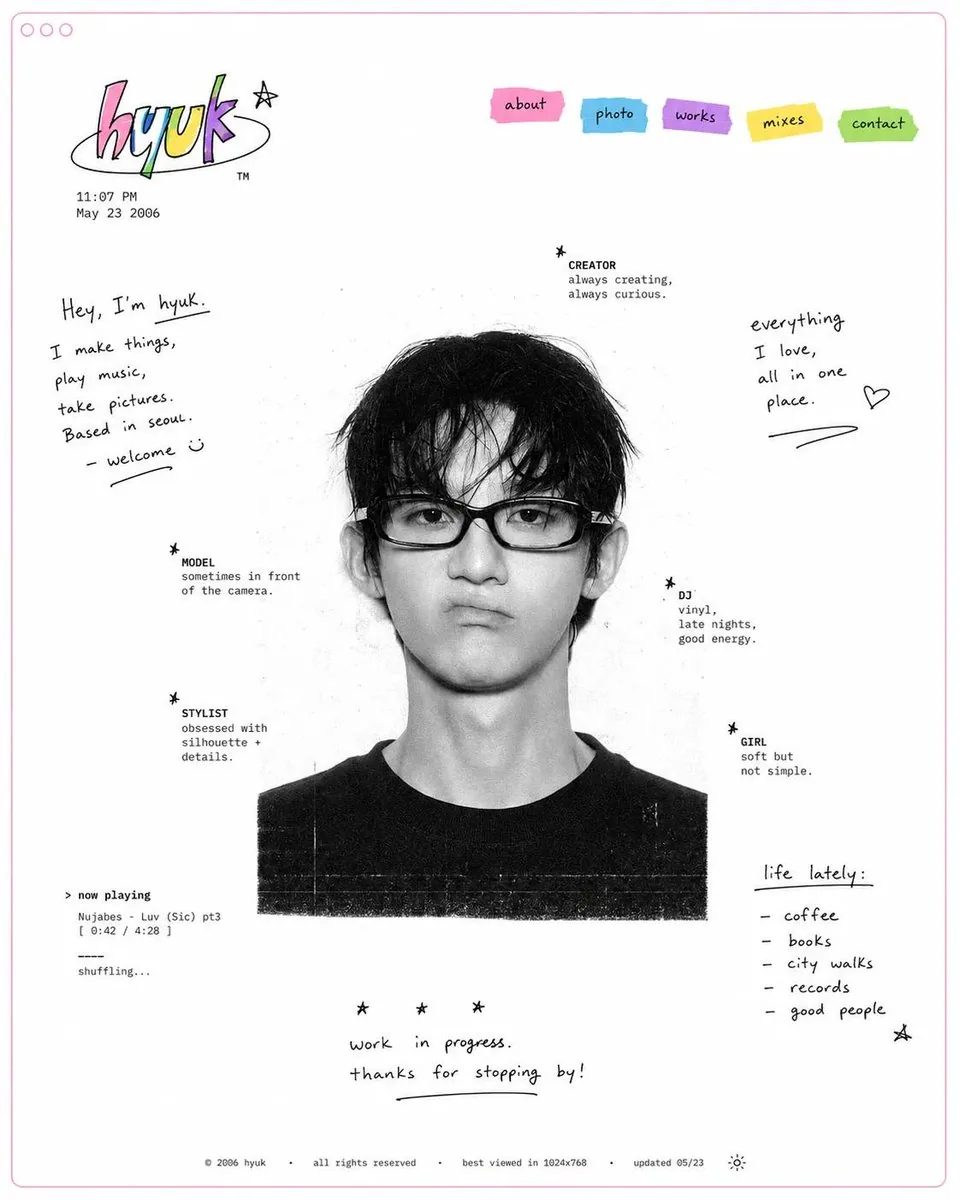
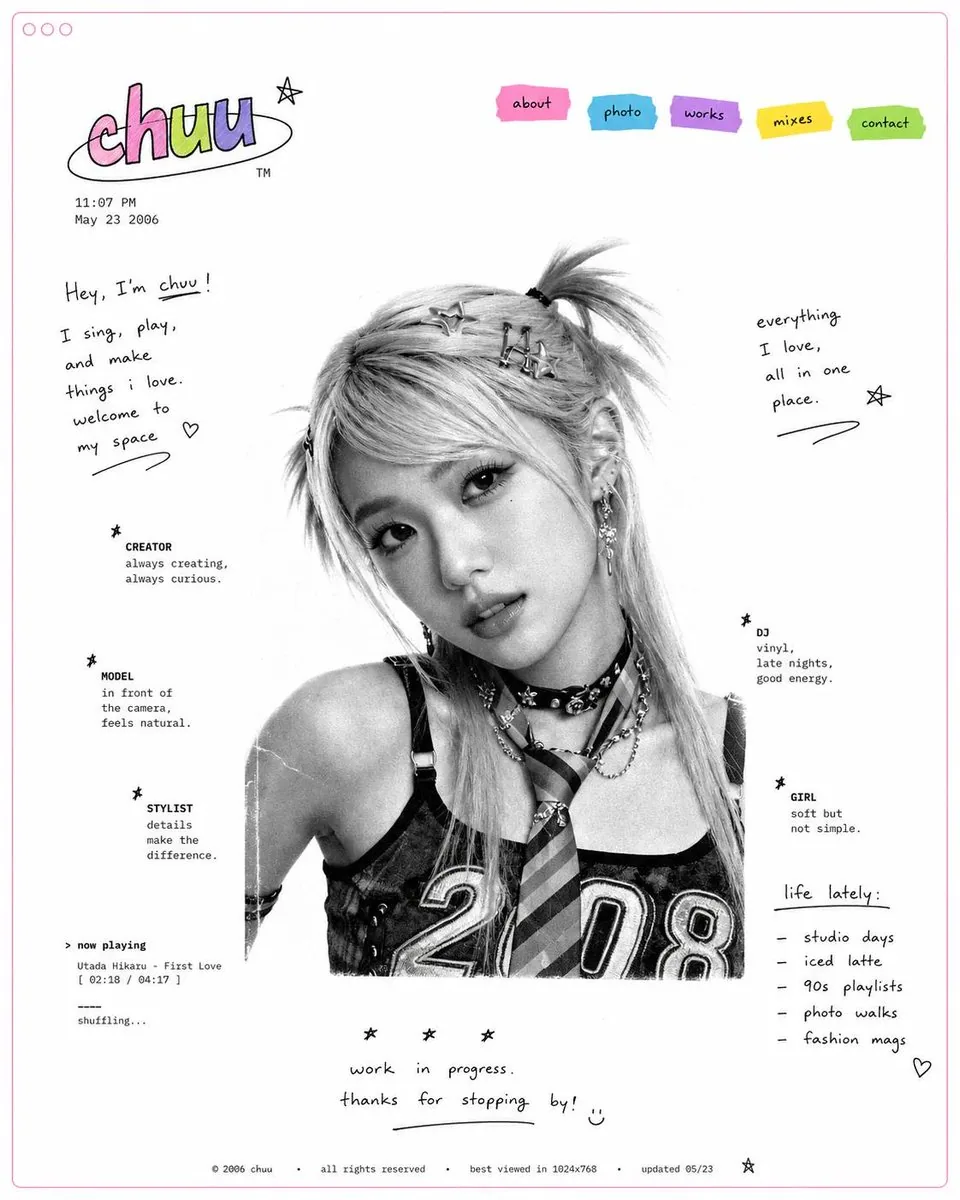
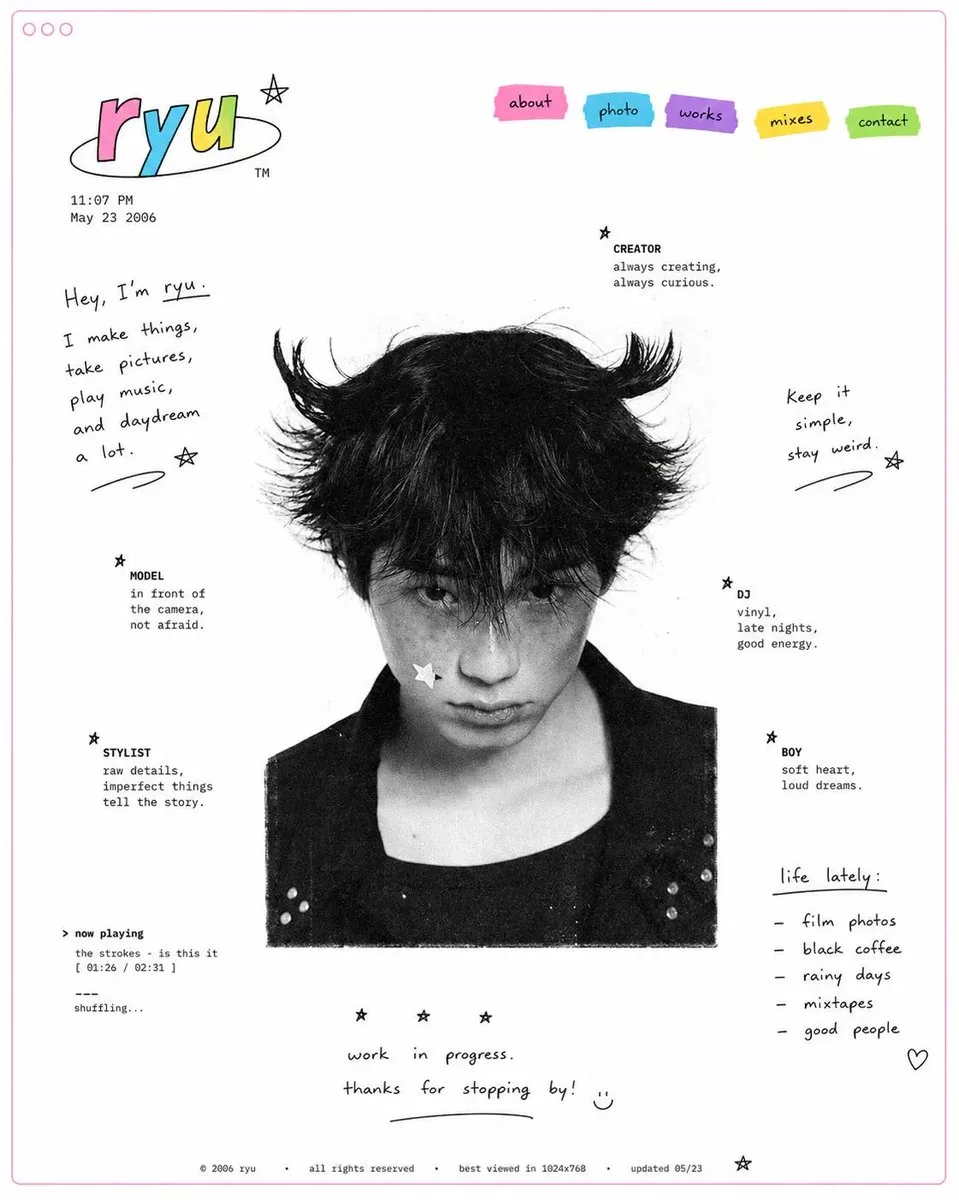
Design a minimal early-internet personal profile webpage / digital portfolio landing page on a large white canvas with generous negative space and a thin pastel pink browser-style frame. In the center, place a black-and-white editorial portrait of [SUBJECT], featuring soft film grain, subtle scanner texture, and low-contrast photographic tones.

Surround the portrait with scattered profile metadata labels and small star-bullet elements arranged asymmetrically, resembling a playful personal résumé. Include descriptors such as:

✦ creator
✦ model
✦ stylist
✦ DJ
✦ girl
✦ photographer
✦ collector
✦ dreamer

In the top-left corner, create a colorful hand-drawn logo or personal brand mark. Beneath it, add a tiny timestamp and date in a small system font, mimicking an old personal homepage.

In the top-right corner, place irregular sticker-like navigation tabs in bright accent colors (pink, cyan, purple, yellow, and green). Use simple labels such as:

HOME
ABOUT
WORK
DIARY
LINKS

Scatter handwritten marker-style notes, introductions, personal thoughts, and lifestyle captions throughout the empty space. Examples:

"currently making things online"
"welcome to my homepage"
"music, fashion, internet"
"updated today"
"living between projects"

Maintain an anti-grid editorial layout with intentionally imperfect spacing and playful placement. Mix tiny system fonts, handwritten script, and casual notebook-style annotations. Keep the portrait entirely monochrome while reserving color only for the logo, navigation stickers, and a few small graphic accents.