UGCの「盗む」美学:AstraでJSON分解 → 2.5で撮影
「cinematic soft grain」の作文は書かない。実写真をAstraに投げて色彩/ライティングのJSONに分解し、それをImage 2.5に渡してキャラを固定。偽UGCが本物の棚撮り感に、再利用できるフロー。
プロンプト
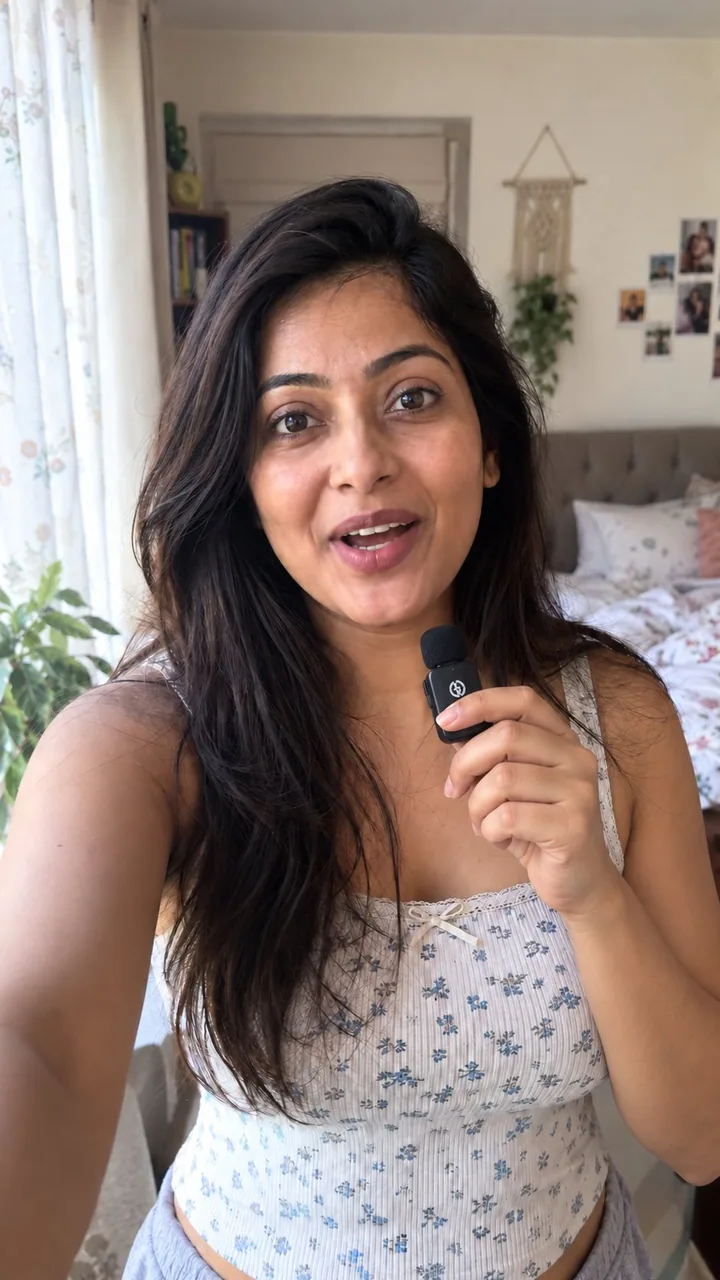
if your ai pr stills still look fake, you’re probably describing the vibe instead of stealing it

here’s what i do with gpt-image 2.5 when i need real-looking ugc photos for a product

chatgpt image 2.5 is currently the best model but with no reference it still goes plastic

so i don’t write “cinematic natural light soft grain” essays

i grab a real photo that already has the look i want

drop it into gpt-6 astra and say

“analyze this photo and give me a very detailed json prompt describing its visual style. break down the color grading, the lighting and the exact colors so i can apply that look to my own images”

astra reverse-engineers the grade for me
i was never typing that accurately by hand

take the json into gpt-image 2.5
attach the product
prompt

“using this json as reference, generate a person holding my product”

then i generate one without the json and compare
the lighting + color grade is the whole difference

when i like the person, i save that frame
every next shot i reattach it and say keep the same face

that’s how i keep one consistent creator across a whole product set
instead of a new random face every time

want a different mood
i just tweak the json in astra and run it again

quick check before you post
flat default colors
plastic grain

fix those two first

json handles the light
character ref handles consistency
you handle the product in frame

that’s an actual ugc stills workflow
not hoping the model feels realistic today

I have created a playbook for it

Comment " workflow" to get the playbook
日本語訳
あなたのAI PRスチルがまだ偽物っぽいなら、おそらく雰囲気を盗む代わりに説明しているからだ

商品のリアルなUGC写真が必要なとき、gpt-image 2.5で僕がやっていることはこうだ

chatgpt image 2.5は現在最高のモデルだが、参照なしだとやはりプラスチックっぽくなる

だから「cinematic natural light soft grain」みたいな作文は書かない

欲しいルックがすでに入っている実写真を1枚拾ってくる

それをgpt-6 astraに投げてこう言う

「この写真を分析して、そのビジュアルスタイルを記述した非常に詳細なjsonプロンプトを出して。カラーグレーディング、ライティング、正確な色を分解して、自分の画像にそのルックを適用できるようにして」

astraがグレーディングを逆設計してくれる
手でこんなに正確に打てたことはなかった

そのjsonをgpt-image 2.5に持っていく
商品を添付する
プロンプト

「このjsonを参照として、私の商品を持っている人物を生成して」

そしてjsonなしでも1枚生成して比べる
ライティング+カラーグレードがすべての違いだ

人物が気に入ったら、そのフレームを保存する
次のショットごとにそれを再添付して「同じ顔を保って」と言う

こうやって商品セット全体で同じ一人のクリエイターを保つ
毎回ランダムな新しい顔になるのではなく

違うムードが欲しければ
astraでjsonを少し変えてまた回すだけ

投稿前のクイックチェック
平坦なデフォルト色
プラスチックっぽい粒子

まずこの2つを直す

光はjsonが担当
一貫性はキャラ参照が担当
フレーム内の商品はあなたが担当

これが実際のUGCスチルのワークフローだ
今日はモデルがリアルに感じてくれるはずと願うのではなく

そのためのプレイブックを作った

プレイブックを受け取るには「 workflow」とコメントして
出典
- 原作者
- 0x_harness
- 公開日
- 2026-09-11
- 原典
- 元の投稿を見る ↗
- 収録元
- xianyu110/awesome-gpt-image2.5 · 2098309152141607051 · MIT