画像編集の十手:まずキープリストを書いてから変える箇所を名指しする
「make it better」では、あなたは通行人に変えられてしまう。コピペできる編集文が10条:背景だけ変更/顔をロック/光を入れ替え/通行人を消す/アウターだけ差し替え/選択範囲で手を修正/ヘッドショットにクロップ/テカリ除去/製品を移動してラベル維持/次のターンは被写界深度だけ変更。Images 2.5 はより言うことを聞くが、条件はキープリストを厳密に書くこと。
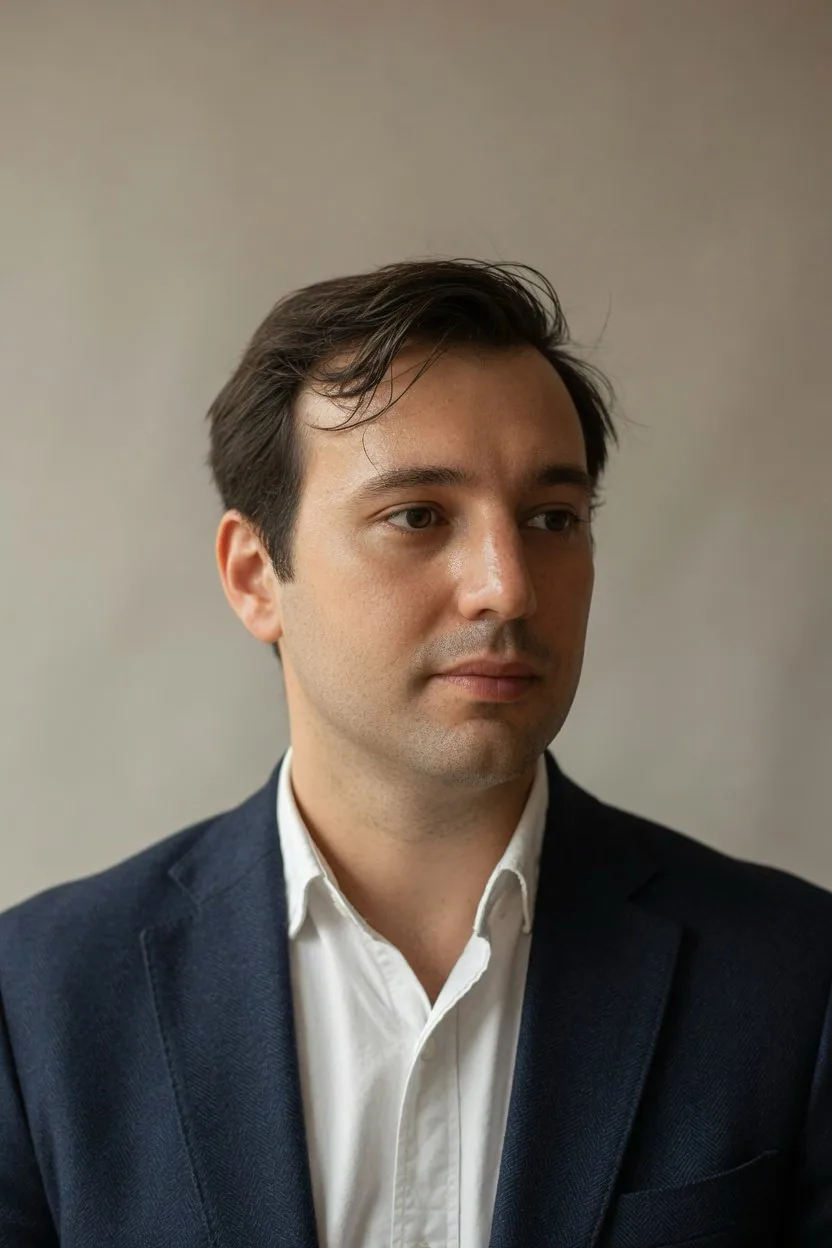
プロンプト
upload a photo, paste one prompt per turn:

1. One change
"Change only the background to a plain warm-gray wall. Keep my face, hair, skin tone, clothes, pose, and camera angle exactly as they are."

2. Face lock
"Use this upload as the identity reference. Keep the same face, hairline, and age. Put me standing in a quiet office with window light from the left."

3. Left window light
"Relight this portrait with soft natural light from a window on the left. Keep my face, expression, clothes, and background geometry the same. Do not add a filter look."

4. Remove the extra person
"Remove the person standing behind my left shoulder. Rebuild the wall and the light as if they were never there. Keep my face, pose, and the rest of the room the same."

5. Wardrobe only
"Change only the jacket to a navy wool blazer. Keep my face, hair, body shape, pose, background, and lighting the same."

6. Select and fix
"In the selected area only, remove the object in my hand. Rebuild the hidden fingers and sleeve so they match the rest of the photo. Leave everything outside the selection untouched."

7. Headshot crop
"Recrop this to a chest-up LinkedIn headshot. Keep my face, expression, and clothing unchanged. Do not restyle my hair or smooth my skin."

8. Shine only
"Reduce only shine on the forehead and nose. Keep pores, flyaway hair, and skin texture. Do not change my facial features."

9. Product, keep the label
"Move this product onto a kitchen counter in daylight. Keep the label text, logo, bottle shape, and color exactly as they are."

10. Next turn
"Keep the last edit. Change only the background blur, as if this was shot on a 50mm lens at f/2. Do not retouch my face or clothes."

OpenAI's image guide: 1-3 clear sentences, and say what stays the same. the keep-list is what makes the edit look like your photo.
日本語訳
写真をアップロードし、1ターンにつき1つのプロンプトを貼り付ける:

1. 変更は1つ
"背景だけを無地の温かみのあるグレーの壁に変更する。私の顔、髪、肌の色、服装、ポーズ、カメラアングルは今のまま正確に維持して。"

2. 顔のロック
"このアップロードを人物同一性の参照として使う。同じ顔、生え際、年齢を維持する。私を、左から窓明かりが入る静かなオフィスに立たせて。"

3. 左からの窓明かり
"このポートレートを、左側の窓からの柔らかな自然光でライティングし直す。私の顔、表情、服装、背景の形状は同じに保つ。フィルター風の見た目は加えない。"

4. 余分な人物を消す
"私の左肩の後ろに立っている人物を消す。最初からそこにいなかったかのように壁と光を再構築する。私の顔、ポーズ、部屋の他の部分は同じに保つ。"

5. 服だけ変更
"ジャケットだけをネイビーのウールブレザーに変更する。私の顔、髪、体型、ポーズ、背景、ライティングは同じに保つ。"

6. 選択して修正
"選択範囲内だけに限り、私の手に持っている物を消す。隠れていた指と袖を、写真の他の部分に合うように再構築する。選択範囲の外側は一切触らない。"

7. ヘッドショットのクロップ
"これを胸から上のLinkedIn用ヘッドショットにトリミングし直す。私の顔、表情、服装は変えない。髪をスタイリングし直したり、肌を滑らかにしたりしない。"

8. テカリだけ
"額と鼻のテカリだけを抑える。毛穴、後れ毛、肌の質感は保つ。私の顔のパーツは変えない。"

9. 製品、ラベルは維持
"この製品を日中のキッチンカウンターの上に移動する。ラベルの文字、ロゴ、ボトルの形、色は今のまま正確に保つ。"

10. 次のターン
"直前の編集を維持する。背景のぼかしだけを変更し、50mmレンズのf/2で撮影したようにする。私の顔や服はレタッチしない。"

OpenAIの画像ガイド:明確な1〜3文で、何が変わらないかを言う。このキープリストがあるからこそ、編集結果が自分の写真のように見える。
出典
- 原作者
- NoravaleAI
- 公開日
- 2026-09-21
- 原典
- 元の投稿を見る ↗
- 収録元
- xianyu110/awesome-gpt-image2.5 · 2102033775752560738 · MIT