2분 → 30초 + 다중 턴
워크플로 압축: 더 빠른 결과물, 다중 턴에서도 안정적.
프롬프트
I’ve been using GPT Image 2 for visual work for a long time, and 2.5 feels like a really big improvement. With the same prompt and image input, what used to take around two minutes now takes about 20–30 seconds.

I’ve tried splitting generated images into layers. For infographics, I separated the background, text, and other elements, erased and edited them individually, then put them back together. The regenerated content would often shift slightly. It looked fine on its own, but didn’t line up when I put the layers back together.

When I tried the same workflow with 2.5 this time, that drift was barely noticeable.

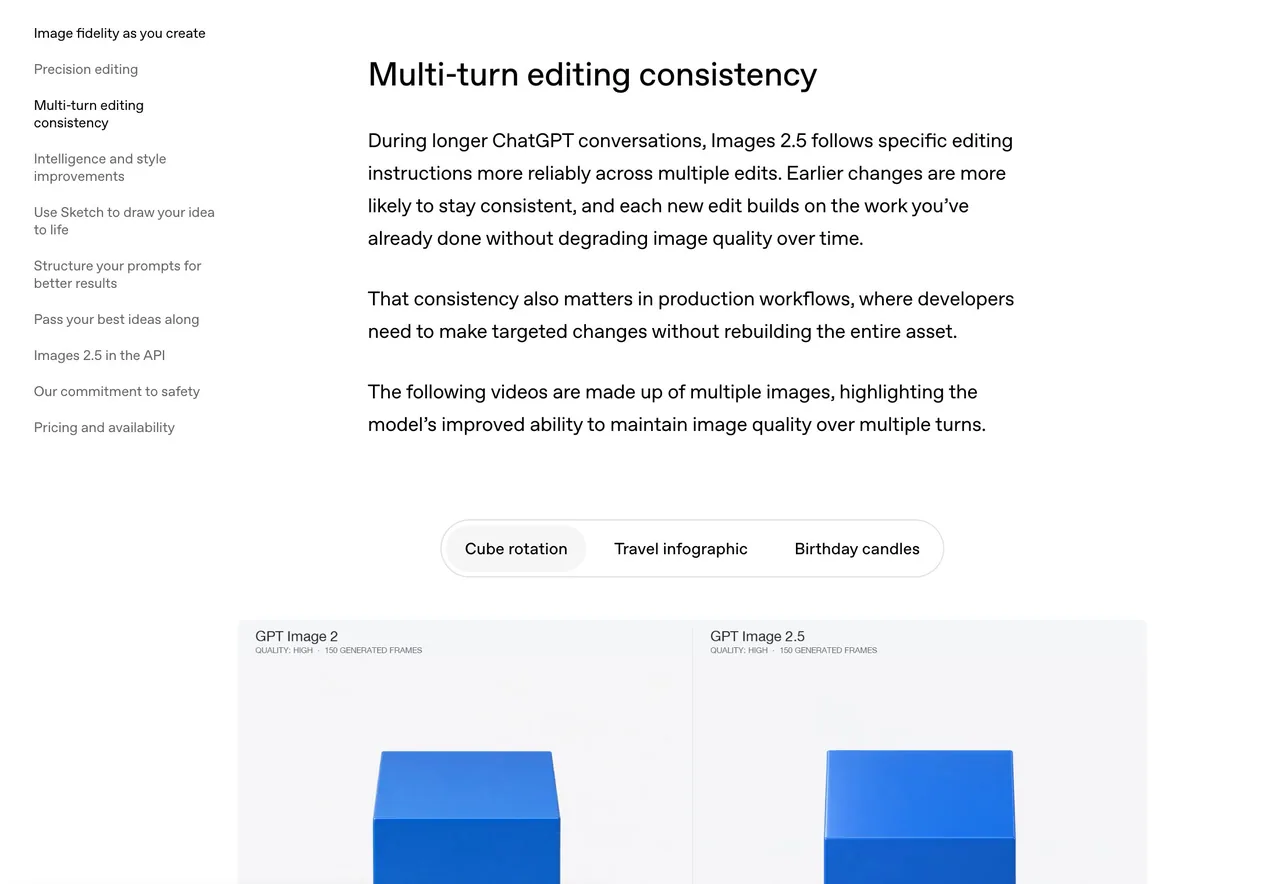
I later noticed OpenAI has a demo of this on its website, under “Multi-turn editing consistency.” Earlier edits stay more consistent through later rounds of editing. For my workflow, I think this makes all the difference.

Another change stood out. I like using it for images with lots of text, but the old model would often leave marks around the text that looked like water stains. I didn’t see any in the images I generated this time. Much cleaner.

I ran a few sets of infographic editing tests using the same prompt and image input, all at 2K with quality set to high. Average times:

GPT Image 2: 122.2 seconds
GPT Image 2.5 Flare: 25.28 seconds
GPT Image 2.5 Sunburst: 30.89 seconds

OpenAI says image generation latency is up to 50% lower than Images 2, but the drop in generation time was even larger in my tests.

There are two versions this time: Flare and Sunburst. Flare is aimed at fast, everyday, high-volume generation. Sunburst is for more demanding generation and precise editing, and OpenAI says it takes longer.

Generating a good-looking image is one thing. Being able to keep editing it and put the pieces back together is another. I think this makes image editing much more practical.
한국어 번역
저는 오랫동안 시각 작업에 GPT Image 2를 사용해 왔는데, 2.5는 정말 큰 개선처럼 느껴집니다. 같은 프롬프트와 이미지 입력으로 예전에는 약 2분 걸리던 것이 이제 약 20~30초면 끝납니다.

저는 생성된 이미지를 레이어로 나눠 본 적이 있습니다. 인포그래픽의 경우 배경, 텍스트, 기타 요소를 분리해 각각 지우고 편집한 뒤 다시 합쳤습니다. 그러면 재생성된 콘텐츠가 종종 미세하게 어긋났습니다. 단독으로 보면 괜찮았지만 레이어를 다시 합치면 정렬이 맞지 않았습니다.

이번에 같은 워크플로를 2.5로 시도해 보니 그 어긋남이 거의 눈에 띄지 않았습니다.

나중에 OpenAI 웹사이트의 “Multi-turn editing consistency” 항목에 이 데모가 있다는 것을 알게 되었습니다. 이전 편집이 이후 편집 라운드를 거치면서도 더 일관되게 유지됩니다. 제 워크플로에서는 이것이 결정적인 차이라고 생각합니다.

또 하나 눈에 띈 변화가 있습니다. 저는 텍스트가 많은 이미지에 이것을 즐겨 쓰는데, 예전 모델은 텍스트 주변에 물얼룩처럼 보이는 자국을 남기곤 했습니다. 이번에 생성한 이미지에서는 전혀 보이지 않았습니다. 훨씬 깔끔합니다.

같은 프롬프트와 이미지 입력으로 인포그래픽 편집 테스트를 몇 세트 진행했고, 모두 2K에 품질 high 설정이었습니다. 평균 시간:

GPT Image 2: 122.2초
GPT Image 2.5 Flare: 25.28초
GPT Image 2.5 Sunburst: 30.89초

OpenAI는 이미지 생성 지연이 Images 2보다 최대 50% 낮다고 말하지만, 제 테스트에서는 생성 시간 단축 폭이 훨씬 더 컸습니다.

이번에는 Flare와 Sunburst 두 가지 버전이 있습니다. Flare는 빠르고 일상적인 대량 생성에 초점을 둡니다. Sunburst는 더 까다로운 생성과 정밀 편집을 위한 것으로, OpenAI는 시간이 더 걸린다고 합니다.

보기 좋은 이미지를 생성하는 것과, 그것을 계속 편집하고 조각을 다시 맞출 수 있는 것은 다른 문제입니다. 이것이 이미지 편집을 훨씬 실용적으로 만들어 준다고 생각합니다.
출처
- 원작자
- Voxyz_ai
- 게시일
- 2026-09-09
- 원문 출처
- 원문 보기 ↗
- 수록 출처
- xianyu110/awesome-gpt-image2.5 · 2097621370389581931 · MIT