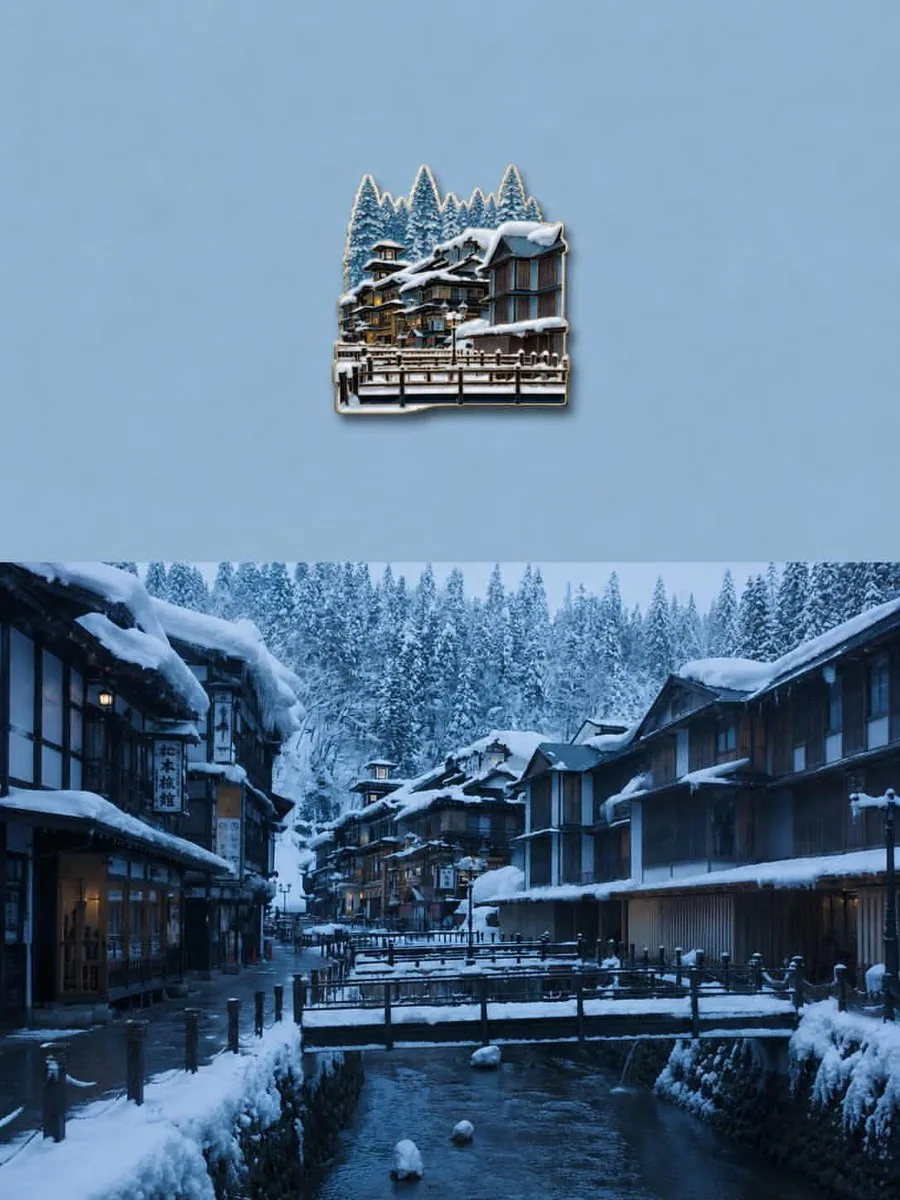
Transform the uploaded image into a premium die-cut sticker illustration while keeping the main subject fully recognizable. Remove or simplify the original background and cleanly isolate the primary subject. Add a thick soft cream or beige sticker border around the entire silhouette with a subtle realistic drop shadow to create a floating sticker effect. Preserve important textures and details while slightly stylizing the image with enhanced colors, cinematic contrast, and a polished editorial l
한국어 번역
업로드된 이미지를 주요 피사체를 충분히 알아볼 수 있게 유지하면서 프리미엄 다이컷 스티커 일러스트로 변환하세요. 원본 배경을 제거하거나 단순화하고 주요 피사체를 깔끔하게 분리하세요. 전체 실루엣 주위에 부드러운 크림색 또는 베이지색의 두꺼운 스티커 테두리를 추가하고 은은하고 사실적인 드롭 섀도를 넣어 떠 있는 스티커 효과를 만드세요. 중요한 질감과 디테일을 유지하면서 향상된 색감, 시네마틱한 대비, 세련된 에디토리얼 l