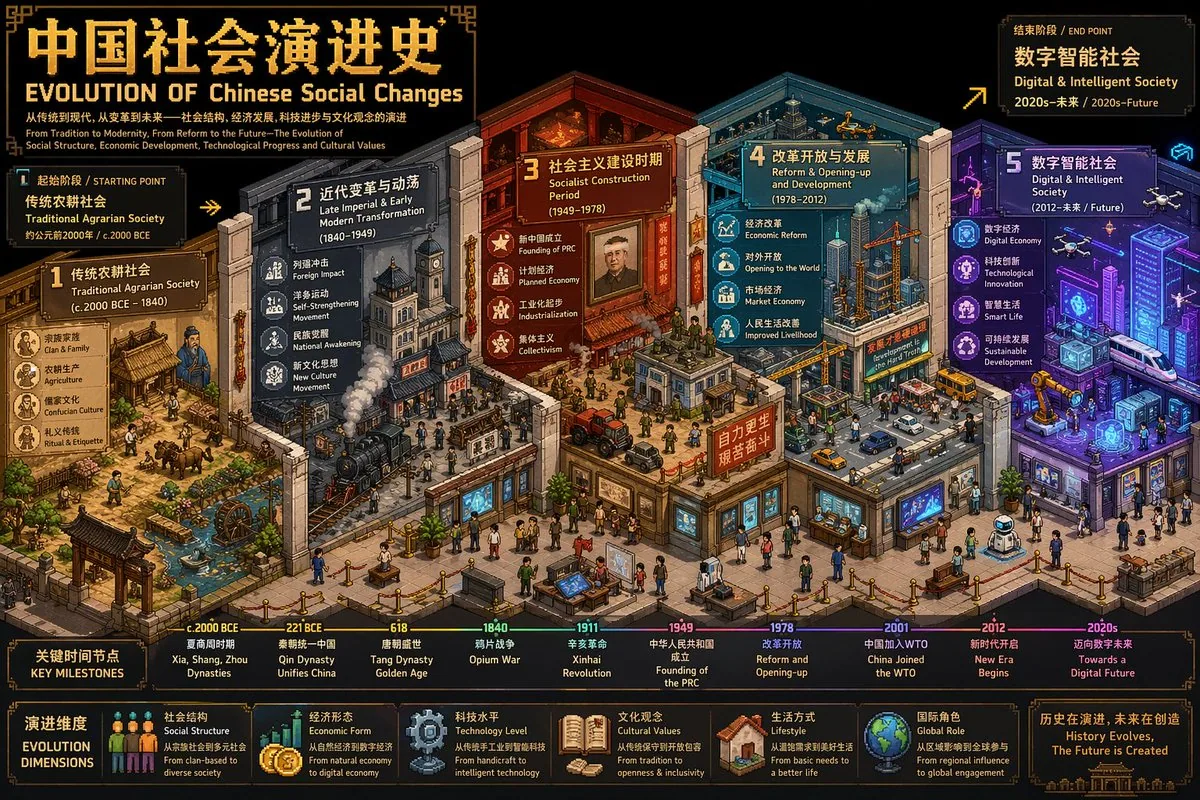
Create an ultra-high-detail isometric pixel art timeline illustration (3:4, 4K), integrating detail density, symbolism, and metaphor. The user-specified theme is [Western Art Development]. First, reason around Western Art Development to determine: the Chinese and English titles of the theme, the earliest and most recent historical periods covered, the starting stage label and the ending stage label, as well as 3-5 key evolution stages and their respective symbolic elements and color schemes. Then build an isometric "Evolution Museum" themed "Western Art Development", where each exhibition hall area represents an evolution stage, and spatial progression represents time evolution. Adopt a standard isometric perspective (2:1), rich layer depth, and smooth transitions. Allocate 3-5 symbolic elements strongly associated with the theme to each stage, and use differentiated colors to imply the flow of time. Integrate bilingual pixel font titles in the scene: Chinese "[Theme Chinese] Evolution History" and English "EVOLUTION OF Western Art Development", plus bilingual subtitles for the starting and ending stages and key time node markers. The overall style is professional and visually tense, suitable for academic analysis and comparative visualization, direct image output.
한국어 번역
초고밀도 아이소메트릭 픽셀 아트 타임라인 일러스트를 생성하세요(3:4, 4K). 디테일 밀도, 상징성, 은유를 통합해야 합니다. 사용자가 지정한 주제는 [Western Art Development]입니다. 먼저 Western Art Development를 중심으로 추론하여 다음을 결정하세요: 주제의 중국어 및 영어 제목, 다루는 가장 이른 시기와 가장 최근의 역사적 시기, 시작 단계 라벨과 종료 단계 라벨, 그리고 3~5개의 핵심 진화 단계와 각 단계의 상징 요소 및 색상 구성. 그런 다음 "Western Art Development"를 주제로 한 아이소메트릭 "진화 박물관"을 구축하세요. 각 전시홀 영역은 하나의 진화 단계를 나타내고, 공간적 진행은 시간의 진화를 나타냅니다. 표준 아이소메트릭 원근법(2:1), 풍부한 레이어 깊이, 매끄러운 전환을 채택하세요. 각 단계마다 주제와 강하게 연관된 3~5개의 상징 요소를 배치하고, 차별화된 색상으로 시간의 흐름을 암시하세요. 장면에 이중 언어 픽셀 폰트 제목을 통합하세요: 중국어 "[Theme Chinese] Evolution History"와 영어 "EVOLUTION OF Western Art Development", 그리고 시작 및 종료 단계의 이중 언어 부제와 주요 시간 노드 마커. 전체 스타일은 전문적이고 시각적 긴장감이 있으며, 학술적 분석과 비교 시각화에 적합합니다. 이미지를 직접 출력하세요.