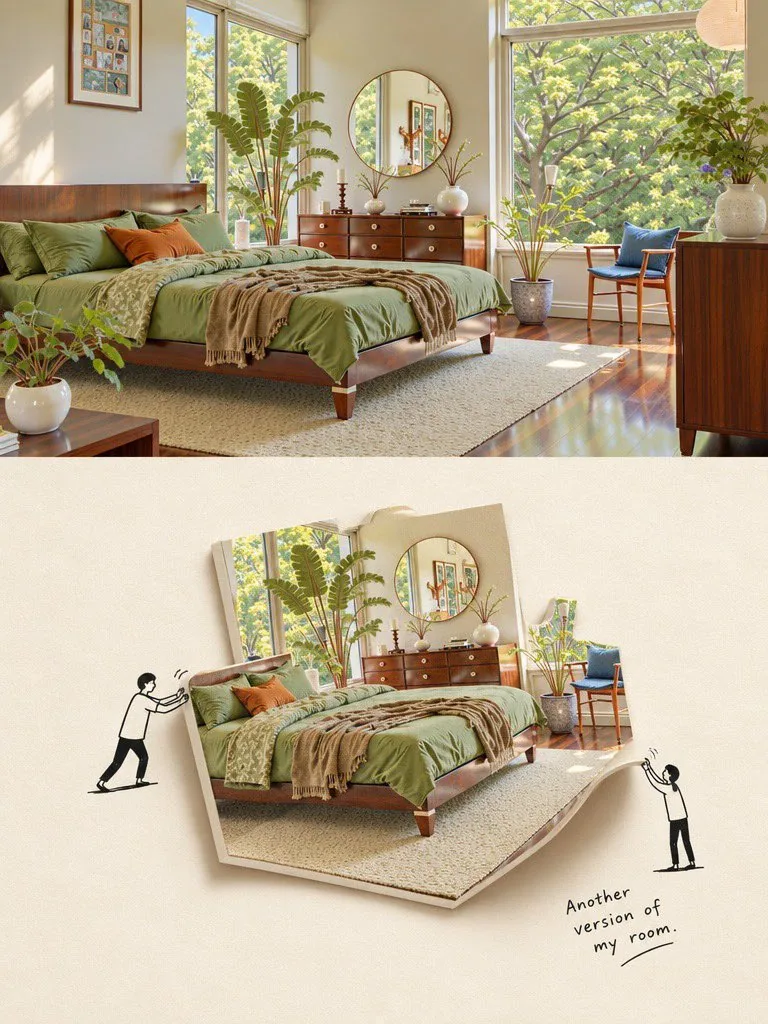
3D Scrapbook Composition with Floating Paper Cutouts
創作一個富有創意的極簡主義 3D 剪貼簿構圖,將逼真的照片轉化爲厚實的懸浮紙片剪影,並搭配火柴人角色。
提示詞
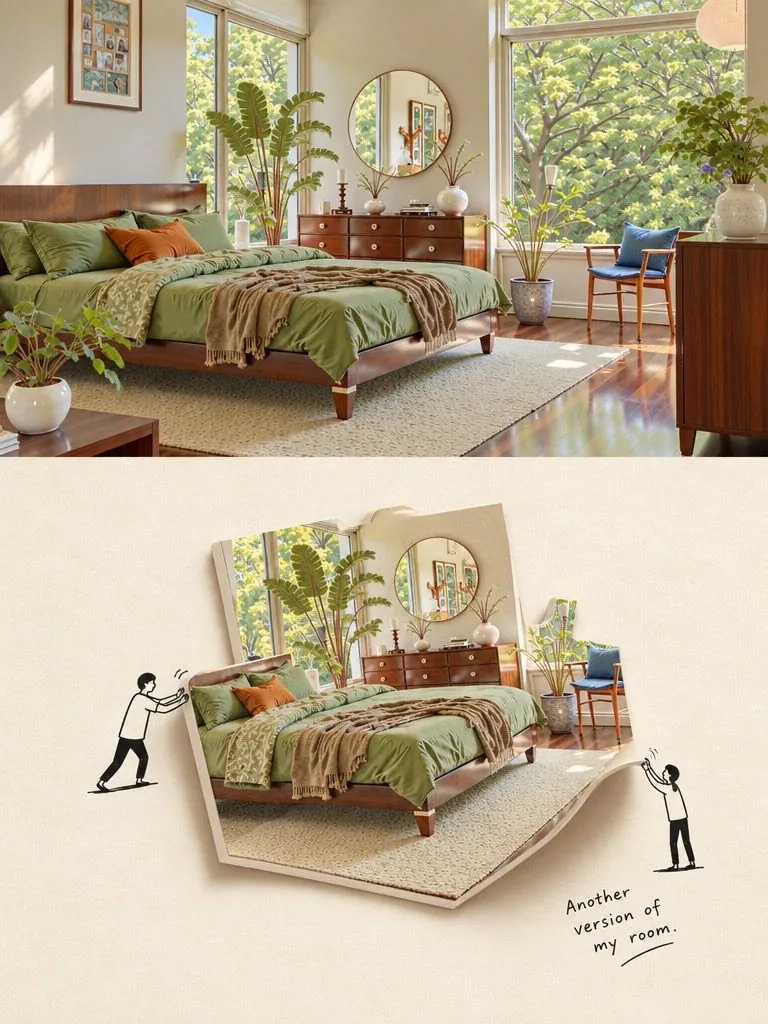
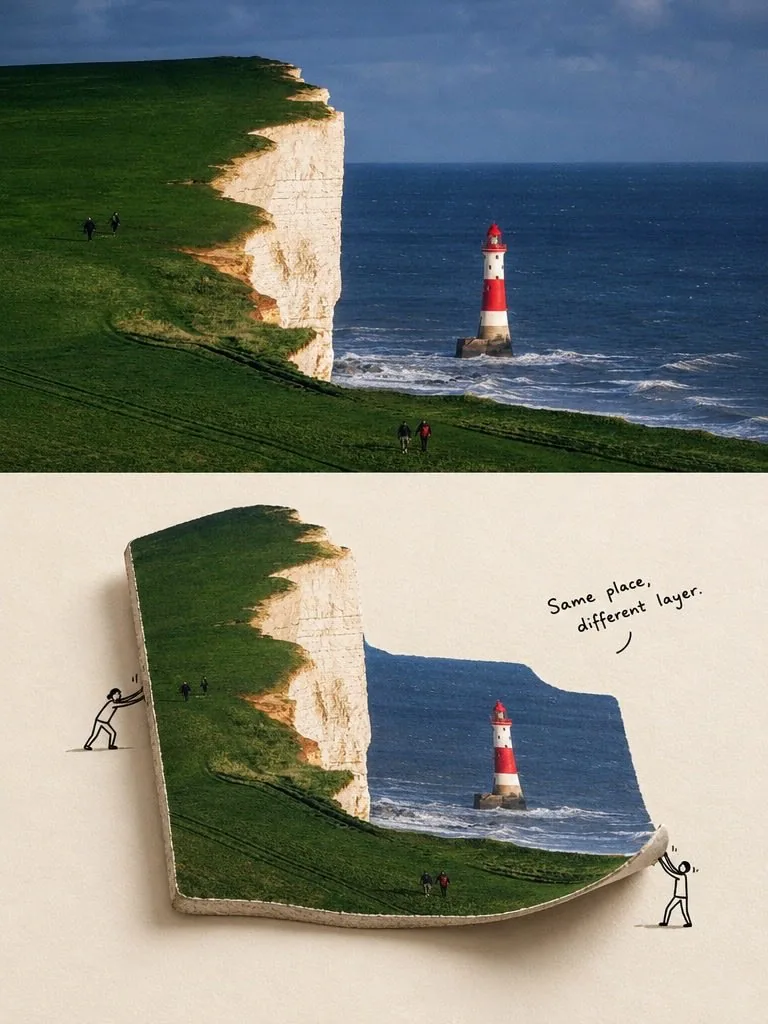
Create a creative minimalist 3D scrapbook composition featuring a realistic photograph transformed into a thick, floating paper cutout on a warm ivory textured background. For the first scene, showcase a beautiful sunlit modern bedroom with an olive-green bed, walnut furniture, large windows, lush indoor plants, a round mirror, and soft natural sunlight. For the second scene, depict dramatic white coastal cliffs covered in vibrant green grass, deep blue ocean waves, and a striking red-and-white lighthouse beneath a cloudy sky. Make the photograph appear as a curved, folded sheet of thick paper with realistic depth, visible layered edges, soft shadows, and a floating effect. Add tiny hand-drawn black stick-figure characters interacting with the paper, pushing, lifting, or holding its edges, alongside playful handwritten captions such as "{argument name="caption1" default="Another version of my room"}" and "{argument name="caption2" default="Same place, different layer."} Elegant editorial photography, realistic textures, subtle imperfections, minimalist art direction, soft beige palette, creative visual storytelling, premium design magazine aesthetic, crisp details, balanced composition, vertical poster layout.中文翻譯
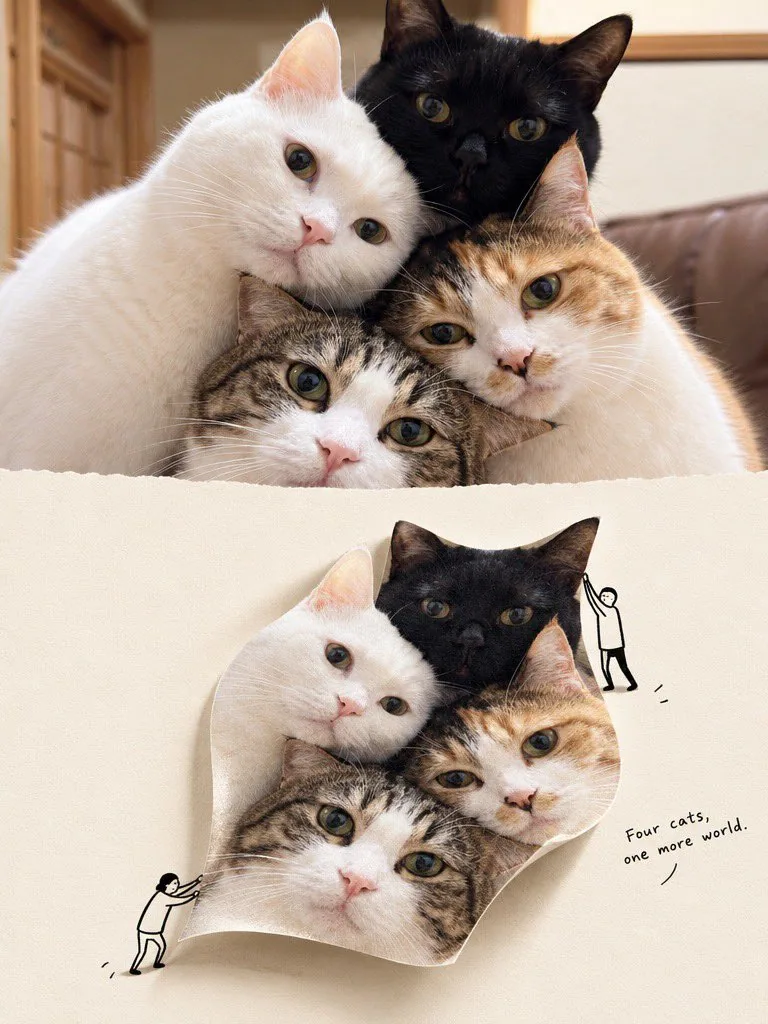
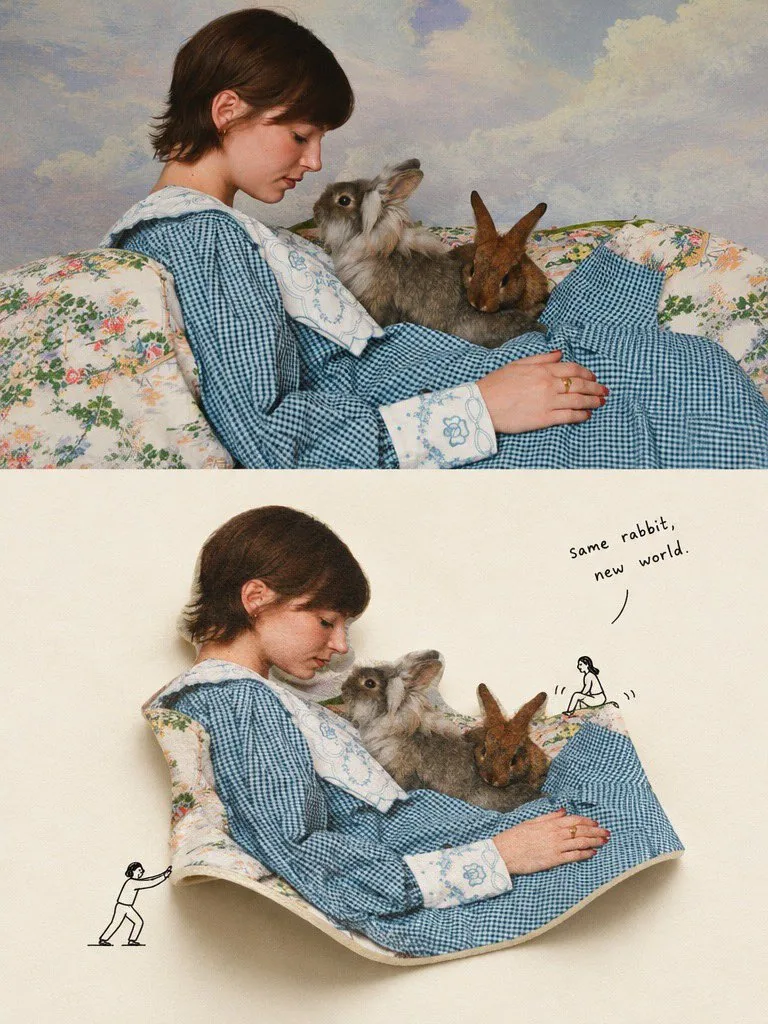
基於上傳的照片,創建一張垂直的 3:4 “第二世界”編輯攝影海報。

### 構圖
將圖像完美地分爲兩個相等的水平半部。

上半部分:完全保留原始照片,僅允許按比例裁剪。保持原始主體、色彩、構圖、自然光照和真實紋理。禁止重繪或插圖。

下半部分:使用溫暖的象牙白紙張背景,並留有充足的負空間。

### 核心概念
識別照片中最具辨識度的視覺結構,並將其在下半部分轉化爲一個有形的三維攝影對象。

該對象必須保留原始的攝影紋理,看起來具有物理真實性,具備可見的厚度、細微的褶皺或曲線、自然的陰影、透視感以及與紙張的真實接觸。

主體保留至關重要:如果照片中包含可識別的人物、建築、動物、地標或獨特物體,請將其作爲下半部分的中心。保留其身份、真實紋理以及大部分完整的輪廓。切勿用背景元素替換主要主體。

下半部分必須清晰展示一個實質性的攝影對象,而不僅僅是撕碎的紙張或微小的角色。

### 角色與說明文字
包含 0–2 個極簡的黑色線條藝術角色,與攝影對象進行有意義的互動,例如抬起、展開、推動、修復或進入其中。

添加一句簡短、隨意且略帶幽默的手寫英文說明文字。避免勵志名言和陳詞濫調。

### 視覺風格
寫實攝影 + 溫暖象牙紙 + 極簡黑色塗鴉 + 微妙的手工拼貼 + 獨立雜誌美學。

保持設計乾淨、明亮、極簡且具有視覺衝擊力。

### 避免事項
全圖插畫、通用的撕紙模板、微小的裝飾性角色、無關的裝飾品、雜亂、複雜的插畫以及商業美學。

最終規則:下半部分必須感覺像是原始照片的一個真實的三維片段被帶入了第二個世界。即使其物理屬性經過創意轉化,主要主體必須在第一眼就立即被識別出來。
模板變數
該提示詞含可替換參數,方括號內為預設值
caption1 = Another version of my roomcaption2 = Same place, different layer.
溯源
- 原作者
- Taaruk
- 發佈日期
- 2026-10-15
- 原始出處
- 查看原帖 ↗
- 收錄來源
- YouMind-OpenLab/awesome-gpt-image-2 · 36501 · CC-BY-4.0YouMind-OpenLab/awesome-gpt-image-2 · 36503 · CC-BY-4.0本條由 2 個來源合併去重而來