<inputs>
Ask me for: one question a user asks my product and its one-line answer, two album covers, a royalty-free song around 110 BPM with a quiet intro and a hard drop (Mixkit, free for commercial use), and my logo for the ending. If I skip anything, use these defaults: "is this all code?" / "yes. every frame.", two atmospheric photos, and Mixkit "Head Bang".
</inputs>

<direction>
A 22-second square loop, 1440x1440 at 60fps. 2D only, one continuous take. Nothing cuts: each scene grows from the one before it, and every gesture carries the camera into the next space. Each morph takes 0.8s on cubic-bezier(.45,0,.15,1). The camera zoom follows the same curve, making the shape changes feel almost invisible. Content dissolves during the second half of each glide. One gesture per scene.

Look: a warm light stage (#f3f3f0 to #e3e3de), black UI, and a dark app world (#121212) tinted by the current album cover. Use one green accent (#1ed760), Geist for UI, the real macOS pointer, and soft layered shadows that grow as shapes lift.

Banned: hard cuts, bouncy springs, particles, glows, zooming in and immediately back out, holds longer than 1s, anything that feels like a template.
</direction>

<structure>
Follow the song's beats. The press lands on the drop.

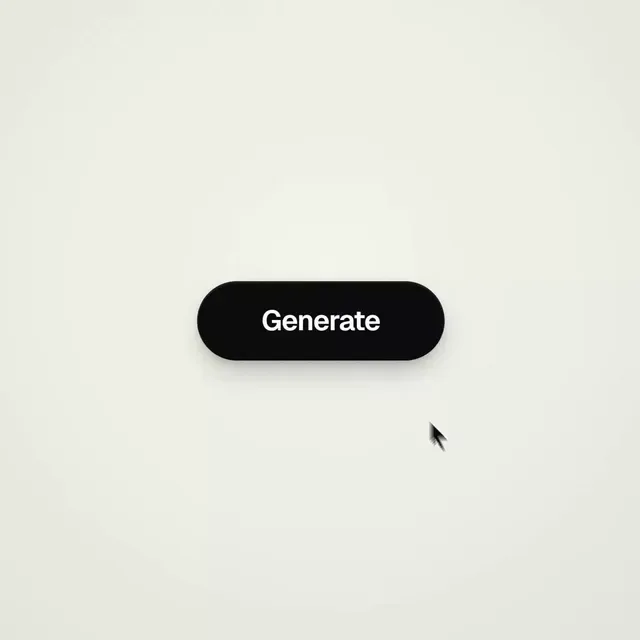
Generate: the cursor clicks. The pill glides into a spinner, then becomes a check.

Chat: the check splits into three typing dots with goo. The left dot flies up, becomes the question bubble and types the question. The right dot flies down into the reply. Both bubbles shrink back into dots as they glide toward the center and merge with the middle dot.

Play: the middle dot bends into a play triangle, one point at a time. The cursor presses it on the drop. A white button appears under the click as the dark app floods the frame around it, leaving the white shape as the play button. The camera pulls back to reveal the full now-playing screen: large cover, title, heart (liked, filling green), progress bar, controls and volume.

Swipe: the cursor drags the cover sideways. The next track slides in, and the app changes its tint to match the new cover.

Drag: the camera glides toward the volume slider. The cursor pulls it to max and keeps going. The bar rubber-bands, dragging the camera sideways out of the app and onto a dark dotted canvas while the camera follows the knob.

Chart: the line lands and curves upward into a green chart as the number counts up. The volume knob becomes the chart's final point.

Dive: the cursor clicks that point. The camera dives into it until the light stage fills the frame.

Ending: an "Ask [my product]" button grows from the light, narrows into a line, then fans out into my logo (default: the Claude spark, with six copies rotating into twelve rays in Claude orange). Hold for 2s.
中文翻譯
<inputs>
向我詢問:用戶會問我的產品的一個問題及其一句話回答、兩張專輯封面、一首約 110 BPM、前奏安靜且 drop 強烈的免版稅歌曲(Mixkit,可免費商用),以及我用於結尾的 logo。如果我跳過了任何一項,就使用這些默認值:“is this all code?” / “yes. every frame.”、兩張氛圍照片,以及 Mixkit 的 “Head Bang”。
</inputs>

<direction>
一個 22 秒的方形循環,1440x1440,60fps。僅 2D,一個連續長鏡頭。沒有任何切換:每個場景都從前一個場景生長出來,每個動作都把鏡頭帶入下一個空間。每次形變耗時 0.8s,使用 cubic-bezier(.45,0,.15,1)。鏡頭縮放沿同一條曲線,使形狀變化幾乎察覺不到。內容在每次滑行的後半段溶解。每個場景一個動作。

視覺:一個溫暖的淺色舞臺(#f3f3f0 到 #e3e3de)、黑色 UI,以及被當前專輯封面染色的暗色應用世界(#121212)。使用一種綠色強調色(#1ed760),UI 使用 Geist,使用真實的 macOS 指針,以及隨形狀抬升而增強的柔和分層陰影。

禁止:硬切、彈跳彈簧、粒子、發光、放大後立刻縮回、超過 1s 的停留、任何讓人感覺像模板的東西。
</direction>

<structure>
跟隨歌曲的節拍。按下動作落在 drop 上。

生成:光標點擊。膠囊滑入並變成加載轉圈,然後變成一個對勾。

聊天:對勾分裂成三個帶 goo 效果的輸入中圓點。左邊的圓點向上飛,變成問題氣泡並輸入問題。右邊的圓點向下飛入回覆。兩個氣泡在滑向中心時收縮回圓點,並與中間的圓點合併。

播放:中間的圓點一次一個點地彎折成播放三角形。光標在 drop 上按下它。點擊處下方出現一個白色按鈕,同時暗色應用從四周湧滿畫面,剩下的白色形狀便成爲播放按鈕。鏡頭後拉,露出完整的正在播放界面:大封面、標題、心形(已喜歡,填充綠色)、進度條、控制按鈕和音量。

滑動:光標將封面橫向拖拽。下一首曲目滑入,應用改變色調以匹配新封面。

拖拽:鏡頭滑向音量滑塊。光標將其拉到最大並繼續拉。進度條橡皮筋式拉伸,將鏡頭橫向拖出應用,落到暗色點陣畫布上,同時鏡頭跟隨旋鈕。

圖表:線條落下並向上彎成綠色圖表,同時數字遞增。音量旋鈕成爲圖表的最後一個點。

俯衝:光標點擊那個點。鏡頭俯衝進去,直到淺色舞臺填滿畫面。

結尾:一個 “Ask [my product]” 按鈕從光中生長出來,收窄成一條線,然後展開成我的 logo(默認:Claude 火花,六份副本旋轉成十二道 Claude 橙色的光芒)。保持 2s。