UGC 偷參考美學:Astra 拆 JSON → 2.5 出片
別寫「cinematic soft grain」作文。真照片丟 Astra 拆色彩/燈光 JSON,再塞進 Image 2.5 鎖人設。假 UGC 變真貨架感,流程可複用。
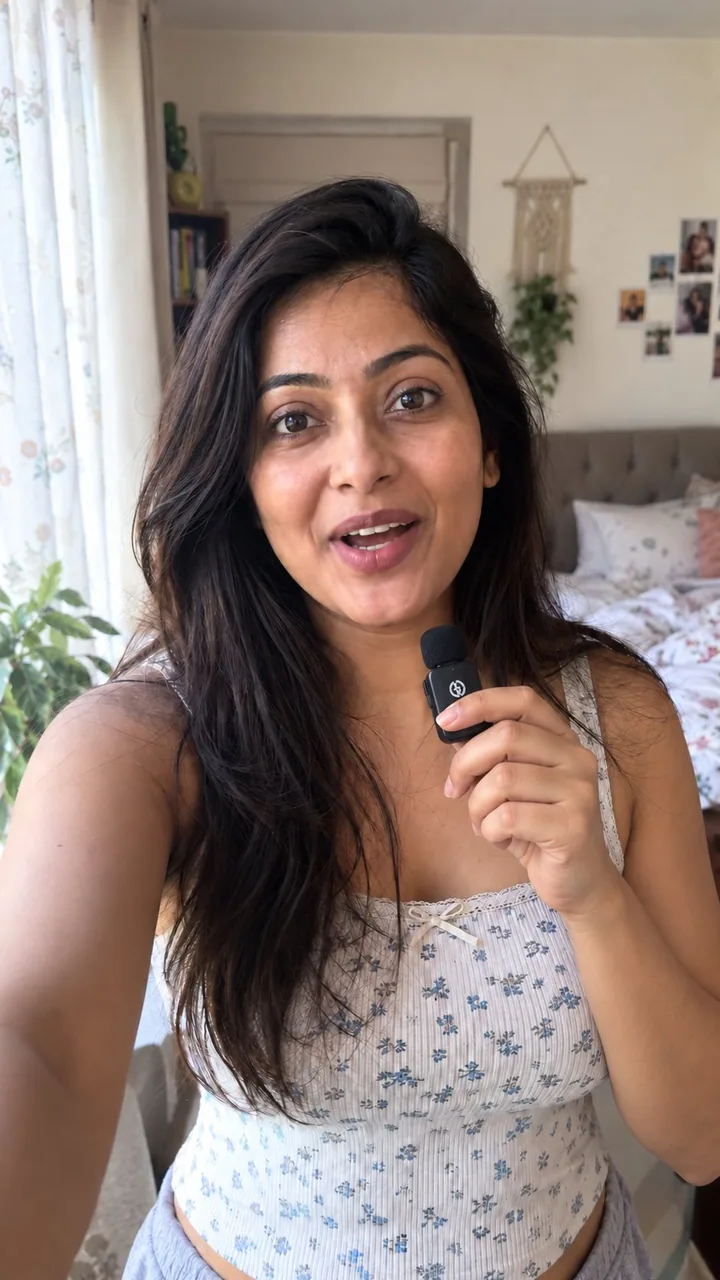
提示詞
if your ai pr stills still look fake, you’re probably describing the vibe instead of stealing it

here’s what i do with gpt-image 2.5 when i need real-looking ugc photos for a product

chatgpt image 2.5 is currently the best model but with no reference it still goes plastic

so i don’t write “cinematic natural light soft grain” essays

i grab a real photo that already has the look i want

drop it into gpt-6 astra and say

“analyze this photo and give me a very detailed json prompt describing its visual style. break down the color grading, the lighting and the exact colors so i can apply that look to my own images”

astra reverse-engineers the grade for me
i was never typing that accurately by hand

take the json into gpt-image 2.5
attach the product
prompt

“using this json as reference, generate a person holding my product”

then i generate one without the json and compare
the lighting + color grade is the whole difference

when i like the person, i save that frame
every next shot i reattach it and say keep the same face

that’s how i keep one consistent creator across a whole product set
instead of a new random face every time

want a different mood
i just tweak the json in astra and run it again

quick check before you post
flat default colors
plastic grain

fix those two first

json handles the light
character ref handles consistency
you handle the product in frame

that’s an actual ugc stills workflow
not hoping the model feels realistic today

I have created a playbook for it

Comment " workflow" to get the playbook
中文翻譯
如果你的 AI 產品靜物圖看起來還是假的,那你多半是在描述氛圍,而不是直接把它偷過來

下面是我在需要爲產品製作看起來真實的 UGC 照片時,用 gpt-image 2.5 的做法

chatgpt image 2.5 目前是最好的模型,但沒有參考圖時它依然會拍出塑料感

所以我不寫“電影感自然光柔和顆粒”這類小作文

我直接找一張已經具備我想要那種質感的真實照片

丟進 gpt-6 astra,然後說

“分析這張照片,給我一份非常詳細的 json prompt,描述它的視覺風格。把調色、布光和確切的顏色都拆解出來,好讓我把這套質感套用到我自己的圖片上”

astra 會幫我把調色反向工程出來
這種東西我靠手打永遠打不了那麼準

把 json 拿到 gpt-image 2.5 裏
附上產品
prompt

“以這份 json 作爲參考,生成一個手持我產品的人物”

然後我再生成一張不帶 json 的,做對比
光線 + 調色就是全部差別所在

當我滿意某個人物時,我就把那一幀保存下來
之後每拍一張,我都把它重新附上,並說保持同一張臉

這樣我就能在一整套產品圖裏保持同一個創作者
而不是每次都換一張隨機的新臉

想要換一種情緒
我只要在 astra 裏改一下 json,再跑一遍

發佈前快速檢查
扁平默認的色彩
塑料感的顆粒

先修這兩項

json 負責光
角色參考負責一致性
你負責畫面裏的產品

這纔是真正可用的 UGC 靜物工作流
而不是指望模型今天心情好、能拍得真實

我已經爲此整理了一份 playbook

評論 “ workflow” 領取這份 playbook
溯源
- 原作者
- 0x_harness
- 發佈日期
- 2026-09-11
- 原始出處
- 查看原帖 ↗
- 收錄來源
- xianyu110/awesome-gpt-image2.5 · 2098309152141607051 · MIT