2 分钟 → 30 秒 + 多轮
工作流压缩:更快出稿、多轮仍稳。
提示词
I’ve been using GPT Image 2 for visual work for a long time, and 2.5 feels like a really big improvement. With the same prompt and image input, what used to take around two minutes now takes about 20–30 seconds.

I’ve tried splitting generated images into layers. For infographics, I separated the background, text, and other elements, erased and edited them individually, then put them back together. The regenerated content would often shift slightly. It looked fine on its own, but didn’t line up when I put the layers back together.

When I tried the same workflow with 2.5 this time, that drift was barely noticeable.

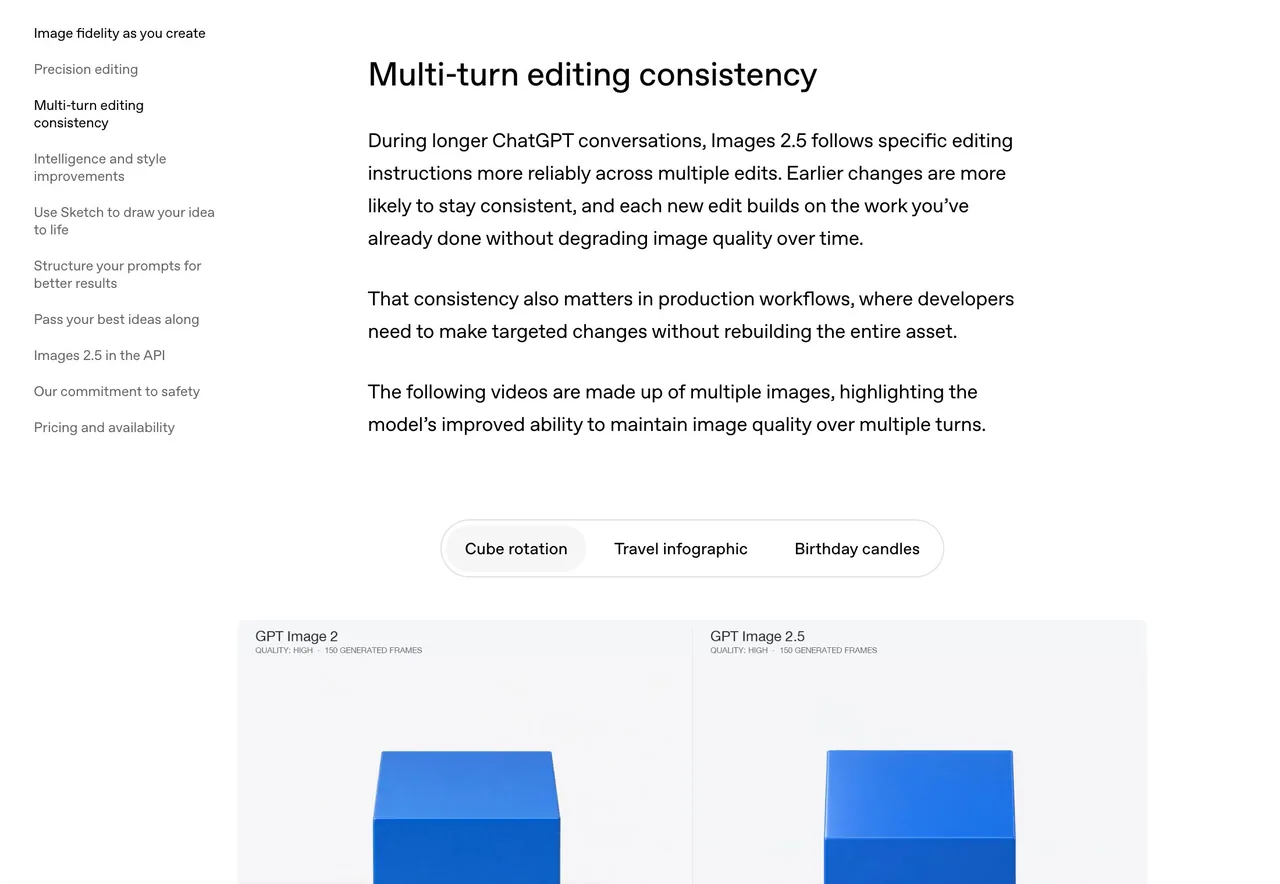
I later noticed OpenAI has a demo of this on its website, under “Multi-turn editing consistency.” Earlier edits stay more consistent through later rounds of editing. For my workflow, I think this makes all the difference.

Another change stood out. I like using it for images with lots of text, but the old model would often leave marks around the text that looked like water stains. I didn’t see any in the images I generated this time. Much cleaner.

I ran a few sets of infographic editing tests using the same prompt and image input, all at 2K with quality set to high. Average times:

GPT Image 2: 122.2 seconds
GPT Image 2.5 Flare: 25.28 seconds
GPT Image 2.5 Sunburst: 30.89 seconds

OpenAI says image generation latency is up to 50% lower than Images 2, but the drop in generation time was even larger in my tests.

There are two versions this time: Flare and Sunburst. Flare is aimed at fast, everyday, high-volume generation. Sunburst is for more demanding generation and precise editing, and OpenAI says it takes longer.

Generating a good-looking image is one thing. Being able to keep editing it and put the pieces back together is another. I think this makes image editing much more practical.
中文译文
我长期用 GPT Image 2 做视觉工作,2.5 感觉是一次非常大的提升。在相同的 prompt 和图像输入下,过去大约要两分钟,现在只需约 20–30 秒。

我试过把生成的图像拆成图层。做信息图时,我会把背景、文字和其他元素分开,逐一擦除和编辑,然后再拼回去。重新生成的内容常常会有轻微偏移。单独看没问题,但把图层拼回去时却对不上。

这次用 2.5 跑同样的流程时,这种偏移几乎察觉不到。

后来我发现 OpenAI 官网上有一个相关演示,名为 “Multi-turn editing consistency(多轮编辑一致性)”。较早的编辑在后续多轮编辑中能保持更高的一致性。对我的工作流来说,我觉得这就是决定性的差别。

还有一处变化很明显。我喜欢用它生成文字很多的图像,但旧模型常常会在文字周围留下看起来像水渍的痕迹。这次我生成的图像里一点都没看到。干净多了。

我用相同的 prompt 和图像输入跑了几组信息图编辑测试,全部为 2K 分辨率、quality 设为 high。平均耗时:

GPT Image 2:122.2 秒
GPT Image 2.5 Flare:25.28 秒
GPT Image 2.5 Sunburst:30.89 秒

OpenAI 表示图像生成延迟比 Images 2 最多降低 50%,但在我的测试中,生成时间的下降幅度还要更大。

这次有两个版本:Flare 和 Sunburst。Flare 面向快速、日常、大批量的生成。Sunburst 面向要求更高的生成和精细编辑,OpenAI 说它耗时更长。

生成一张好看的图是一回事。能持续编辑它、并把各部分重新拼回去是另一回事。我觉得这让图像编辑实用多了。
溯源
- 原作者
- Voxyz_ai
- 发布日期
- 2026-09-09
- 原始出处
- 查看原帖 ↗
- 收录来源
- xianyu110/awesome-gpt-image2.5 · 2097621370389581931 · MIT