<inputs>
Ask me for: the product name and a one-line promise, 3 to 5 UI moments to show, one accent color, 10 to 20 real vertical clips I own, and a royalty-free song with a clear drop (e.g. Mixkit, free for commercial use).
</inputs>

<direction>
High-end minimal. One idea per shot, lots of empty space, one accent color, one clean sans (Geist or Inter) with tight tracking. Masked type reveals, match cuts, one smooth camera language. Real footage only, never placeholder cards. No full stops in on-screen text.
Banned: shockwave rings, particle bursts, RGB split, camera shake, lens flares, neon glows, grid floors, flashing backgrounds, bouncy easing.
</direction>

<structure>
10 bars at 120 BPM, 2 seconds each.
Bar 1: the hook lands word by word on the beats.
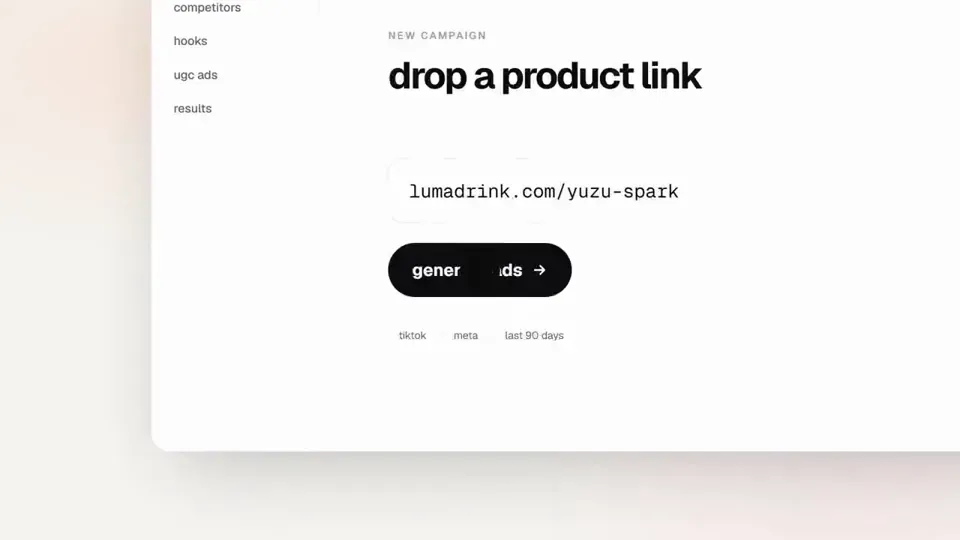
Bar 2: one hook word morphs into the product UI. A cursor types and clicks.
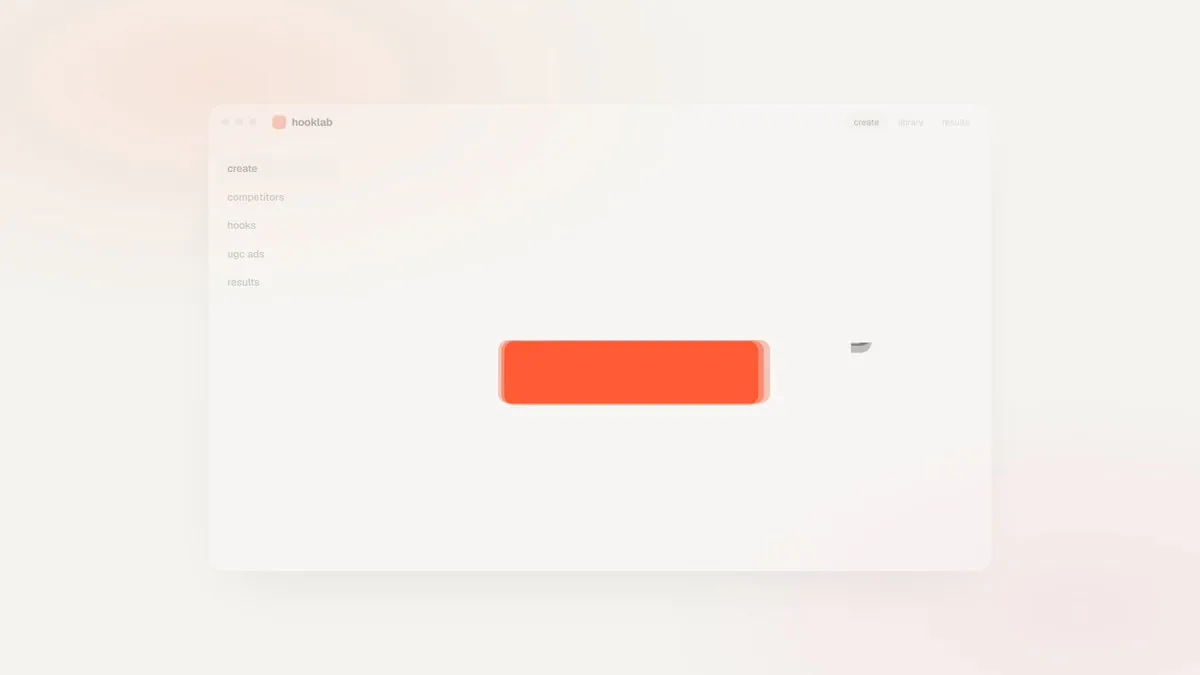
The drop: a circle opens out of the button into a dark scene.
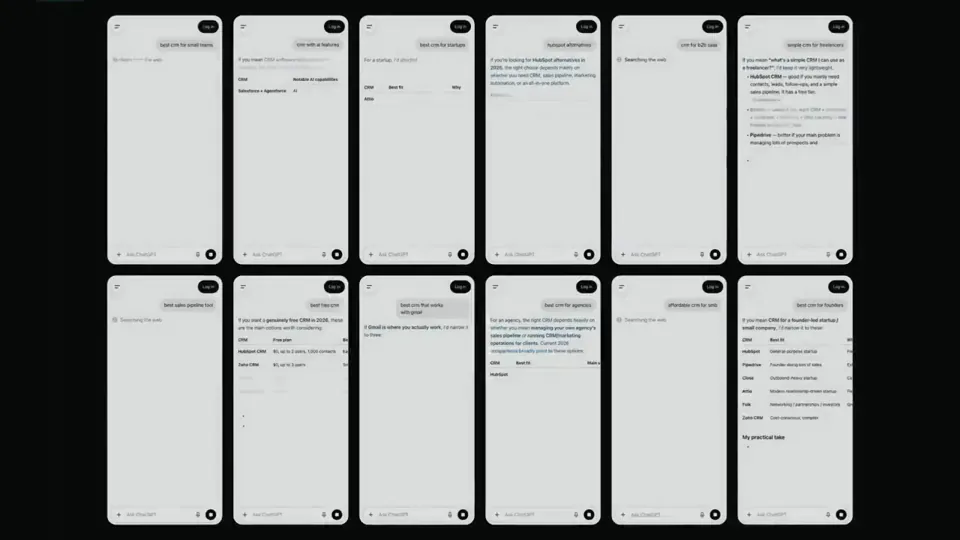
Then one move per bar: a wall of real clips with a scan line and 3 winners, the key output as big type, a 3D carousel of real videos with floor reflections and a motion-blurred whip onto one hero clip, the hero in a phone next to a panel that flips into results, big stats on push cuts, a 3-word ticker, a logo reveal, a fade to black.
</structure>

<build>
1. One HTML file at 1920x1080. Every style is computed from time inside
http://
window.seek(t): no CSS animations, no timers, no state between frames.
2. Real video: extract clips to 30fps JPEG sequences with ffmpeg and swap img sources per frame. seek awaits the image decodes.
3. Analyze the song with numpy: tempo, beat grid, energy per bar, the drop. Calibrate the grid to the real kick hits. Every cut sits on a downbeat, every UI hit on a beat.
4. Render with Playwright: 3 subframes per frame at t minus, at, and plus 1/240s, then blend with ffmpeg tmix for real motion blur at 60fps.
5. Place each sound effect so its measured peak, not its file start, lands on the event. Keep the effects quiet under the music. Loudnorm to -14 LUFS.
6. Probe 20 or more frames before the full render. Fix anything cluttered, overlapping or hard to read.
</build>

<gotchas>
Never set opacity or filter on a preserve-3d element, because it flattens and both faces show. Fade its wrapper instead. Measure element positions at runtime for match cuts. Only use music and sound effects whose license allows commercial use.
</gotchas>

<start>
Ask me for the inputs, then show me a storyboard with every timing on the beat grid before you write any code.
</start>