<inputs>
Ask me for:
• my product + URL
• 8–12 UI states that tell its story
• the real data shown in each state
• brand colors + fonts + accent color
• required formats (1:1, 16:9, 9:16)
</inputs>

<rules>
One HTML file. One canvas
One draw(t) function

No CSS transitions
No timers
No state carried between frames

One shape, never cut

Every state is the same element changing size, radius and color while the content swaps

A cursor drives the sequence with real clicks, typing and one drag

Real UI. Real data. No placeholders.

</rules>
<structure>
120 BPM grid

Something happens on every bea

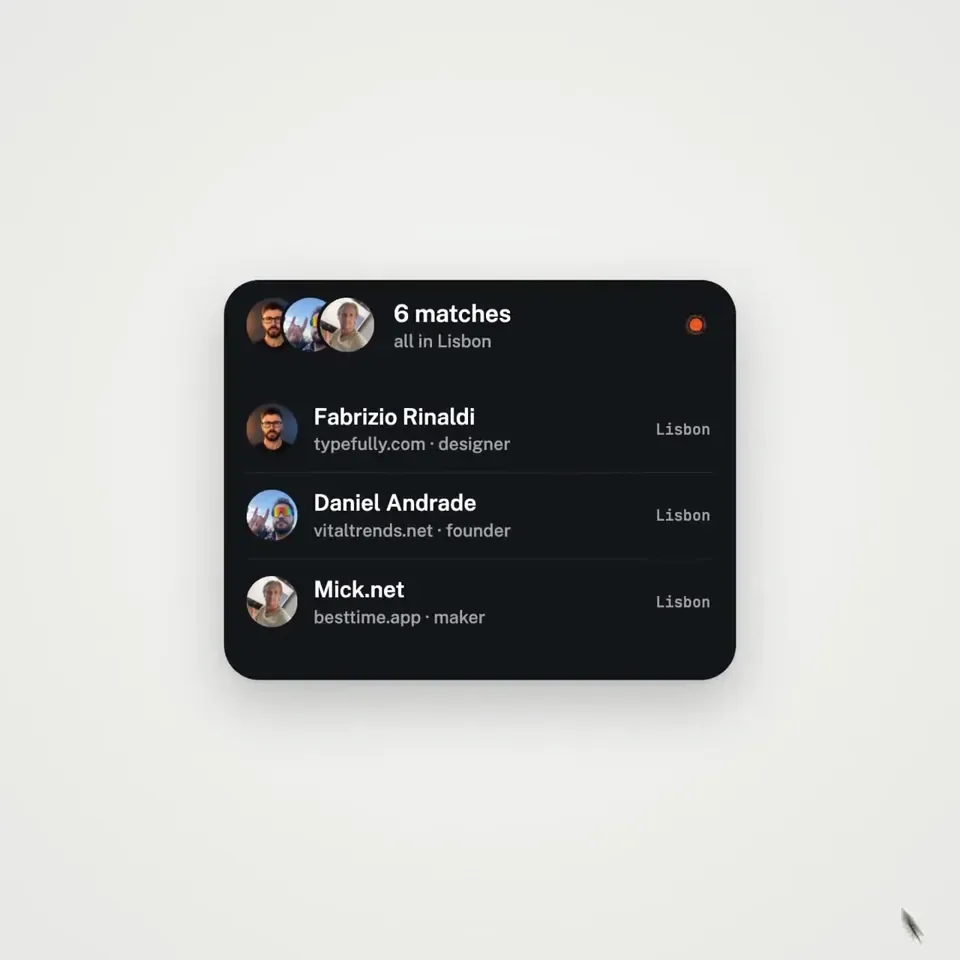
logo → button → handle field → “is this you?” → loader → pin → globe filling with users → matches → tabs → RSVP → search → logo

</structure>

<motion>
Closed-form springs everywhere with only a tiny overshoot.

If a value changes target multiple times, sum one spring per change

Content enters after its container starts morphing and leaves before the next morph so text never overlaps

Use a short blur on transitions

Never fade black directly into the accent color. Move an accent element between states instead

Make tab indicators stretch by putting each edge on a different spring

Zoom the camera so every state fills the frame

Make the last frame equal the first so the whole thing loops
</motion>

<export>
First render one frame per beat as a contact sheet

Fix anything cramped or broken

Then render every frame in headless Chrome at 60fps, averaging 6 subframes for motion blur

Pipe into ffmpeg:
H.264 + yuv420p

Export all aspect ratios in parallel
</export>

motion design is becoming a prompt