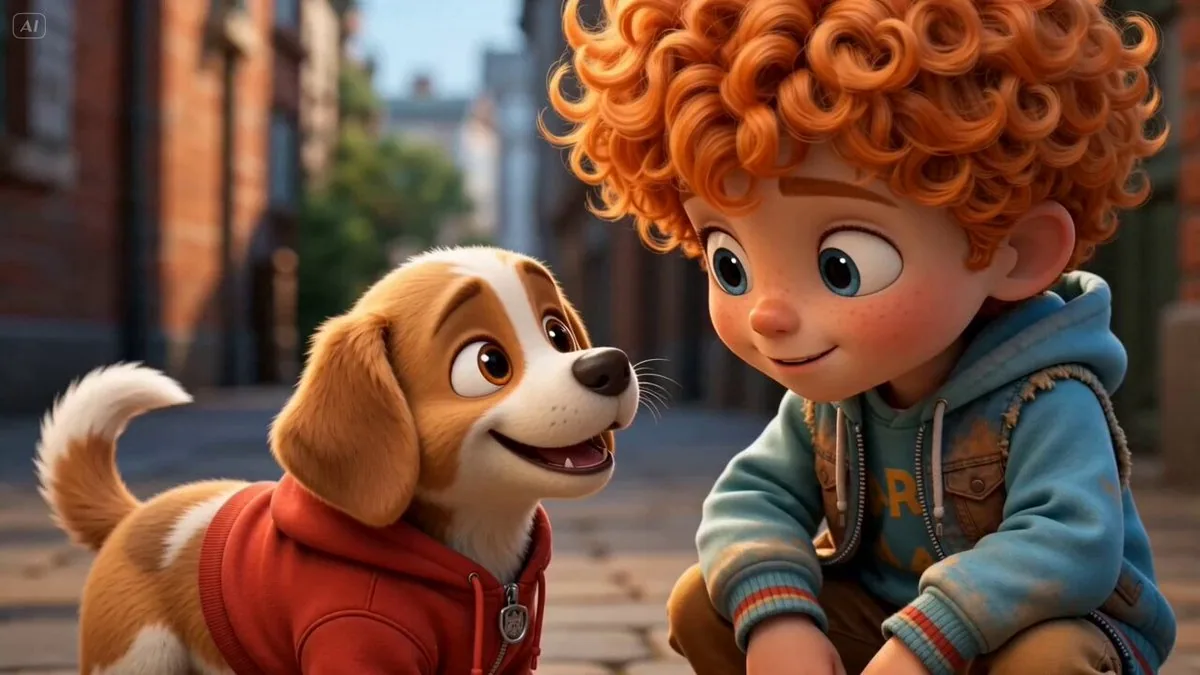
A super simple workflow: 2 character images → GPT Image 2.0 storyboard → Seedance 2.0 animation. Just upload two character images and use the prompt below in GPT Image 2.0 to generate a full storyboard on a single page. Prompt: Create a clean, colorful storyboard poster in a 3x4 grid layout with 12 panels on a single page. Title at the top: "[MAIN TITLE]" Each panel must include: a scene number in a small circle, a short scene title, a colorful illustrated image, a 1–2 line description under the image. Main characters must remain visually consistent across all 12 panels: Character 1: [describe main character in detail] Character 2: [describe second character in detail] Theme/story: [overall story theme] Scene breakdown: [Scene title] – [what happens] [Scene title] – [what happens] [Scene title] – [what happens] [Scene title] – [what happens] [Scene title] – [what happens] [Scene title] – [what happens] [Scene title] – [what happens] [Scene title] – [what happens] [Scene title] – [what happens] [Scene title] – [what happens] [Scene title] – [what happens] [Scene title] – [what happens] Design style: cute 3D animated storybook style, warm emotional lighting, bright colors, soft shadows, child-friendly, clean panel borders, readable typography, neat poster composition, high detail. Important: Keep all 12 panels inside one single image. Make the layout clean and balanced. Keep the characters consistent in face, outfit, and colors. Make the text readable and properly placed. No cropped panels. No extra characters unless mentioned. Then upload that storyboard to Seedance 2.0 and use this prompt: Prompt: Generate a scene using the shots in the uploaded film storyboard. No text on screen. That’s it.
한국어 번역
아주 간단한 워크플로: 캐릭터 이미지 2장 → GPT Image 2.0 스토리보드 → Seedance 2.0 애니메이션. 캐릭터 이미지 두 장을 업로드하고 아래 프롬프트를 GPT Image 2.0에 사용하면 한 페이지에 전체 스토리보드가 생성된다. 프롬프트: 한 페이지에 3x4 그리드 레이아웃으로 12개 패널이 들어간 깔끔하고 다채로운 스토리보드 포스터를 만들어 주세요. 상단 제목: "[MAIN TITLE]" 각 패널에는 반드시 다음이 포함되어야 합니다: 작은 원 안의 장면 번호, 짧은 장면 제목, 다채로운 일러스트 이미지, 이미지 아래 1~2줄 설명. 주인공은 12개 패널 전체에서 시각적으로 일관되게 유지되어야 합니다: 캐릭터 1: [describe main character in detail] 캐릭터 2: [describe second character in detail] 테마/이야기: [overall story theme] 장면 구성: [Scene title] – [what happens] [Scene title] – [what happens] [Scene title] – [what happens] [Scene title] – [what happens] [Scene title] – [what happens] [Scene title] – [what happens] [Scene title] – [what happens] [Scene title] – [what happens] [Scene title] – [what happens] [Scene title] – [what happens] [Scene title] – [what happens] [Scene title] – [what happens] 디자인 스타일: 귀여운 3D 애니메이션 동화책 스타일, 따뜻하고 감성적인 조명, 밝은 색감, 부드러운 그림자, 아동 친화적, 깔끔한 패널 테두리, 읽기 쉬운 타이포그래피, 정돈된 포스터 구성, 높은 디테일. 중요: 12개 패널을 모두 하나의 이미지 안에 유지하세요. 레이아웃을 깔끔하고 균형 있게 만드세요. 캐릭터의 얼굴, 의상, 색상을 일관되게 유지하세요. 텍스트를 읽기 쉽고 적절한 위치에 배치하세요. 잘린 패널이 없어야 합니다. 언급되지 않은 추가 캐릭터는 넣지 마세요. 그런 다음 그 스토리보드를 Seedance 2.0에 업로드하고 이 프롬프트를 사용하세요: 프롬프트: 업로드한 영화 스토리보드의 샷을 사용해 장면을 생성해 주세요. 화면에 텍스트는 넣지 마세요. 끝.