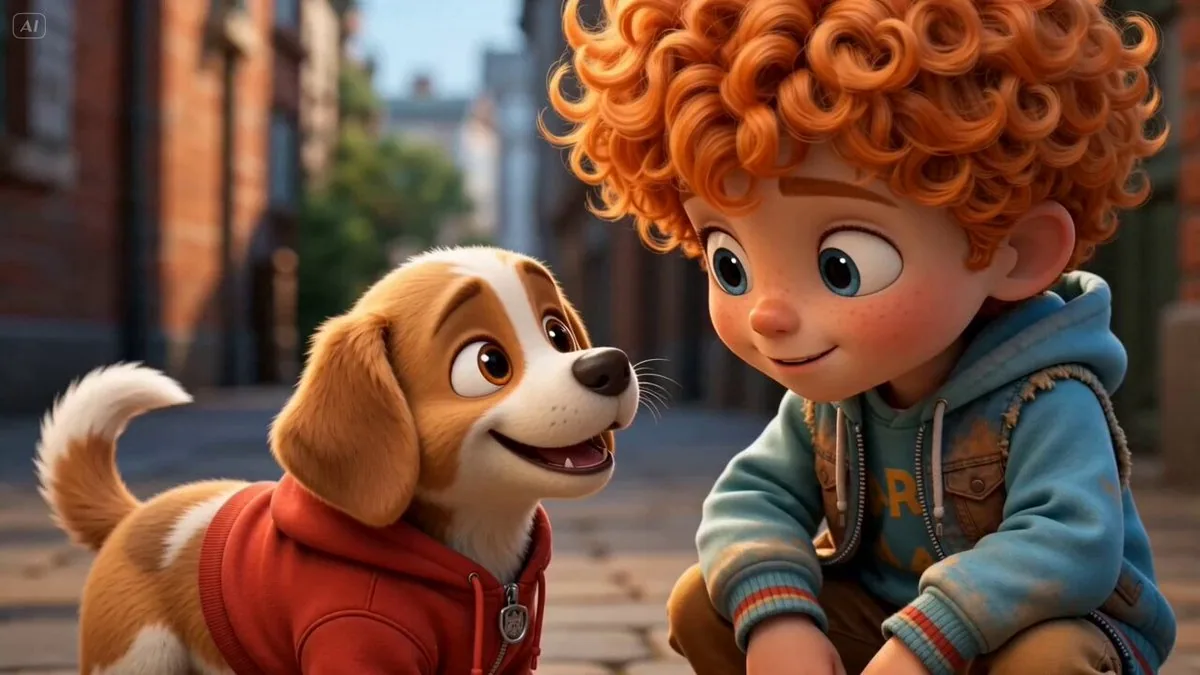
A super simple workflow: 2 character images → GPT Image 2.0 storyboard → Seedance 2.0 animation. Just upload two character images and use the prompt below in GPT Image 2.0 to generate a full storyboard on a single page. Prompt: Create a clean, colorful storyboard poster in a 3x4 grid layout with 12 panels on a single page. Title at the top: "[MAIN TITLE]" Each panel must include: a scene number in a small circle, a short scene title, a colorful illustrated image, a 1–2 line description under the image. Main characters must remain visually consistent across all 12 panels: Character 1: [describe main character in detail] Character 2: [describe second character in detail] Theme/story: [overall story theme] Scene breakdown: [Scene title] – [what happens] [Scene title] – [what happens] [Scene title] – [what happens] [Scene title] – [what happens] [Scene title] – [what happens] [Scene title] – [what happens] [Scene title] – [what happens] [Scene title] – [what happens] [Scene title] – [what happens] [Scene title] – [what happens] [Scene title] – [what happens] [Scene title] – [what happens] Design style: cute 3D animated storybook style, warm emotional lighting, bright colors, soft shadows, child-friendly, clean panel borders, readable typography, neat poster composition, high detail. Important: Keep all 12 panels inside one single image. Make the layout clean and balanced. Keep the characters consistent in face, outfit, and colors. Make the text readable and properly placed. No cropped panels. No extra characters unless mentioned. Then upload that storyboard to Seedance 2.0 and use this prompt: Prompt: Generate a scene using the shots in the uploaded film storyboard. No text on screen. That’s it.