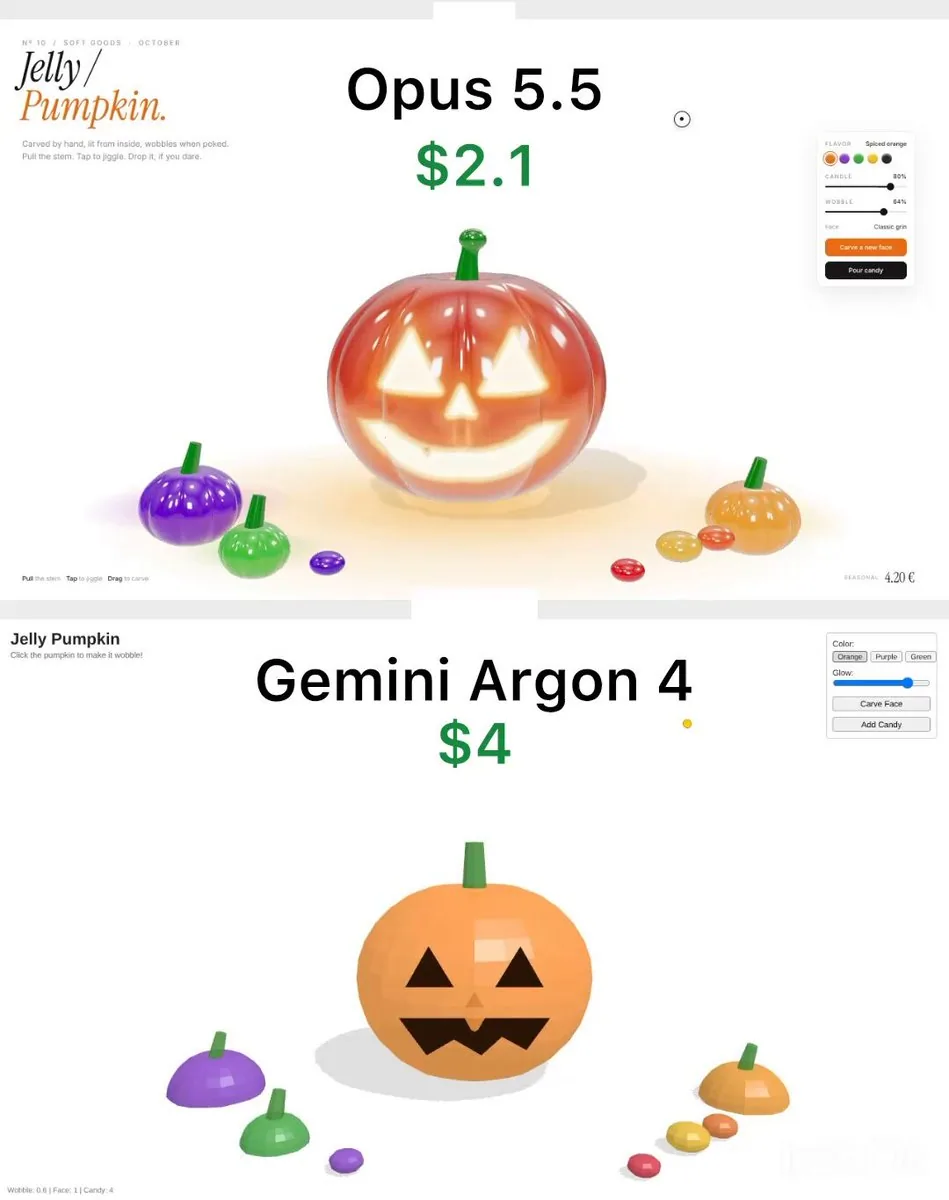
Build a single self-contained HTML file: a simple 3D "Jelly Pumpkin" demo using three.js from a CDN. Keep the code short and basic.

SCENE
- One orange pumpkin in the centre made from a low-poly sphere (about 24x16 segments) with 8 shallow ribs, flat shading.
- MeshPhongMaterial, slightly transparent (opacity 0.9), bright orange with a little emissive colour. No transmission, no environment map, no post-processing.
- Jack-o'-lantern face made of flat black 2D shapes (two triangle eyes, triangle nose, zigzag mouth) placed just in front of the pumpkin surface. No glow from inside.
- Simple green cylinder stem on top.
- Three small low-poly pumpkins (purple, green, orange) and four small flattened spheres as candy around it.
- White background, ambient light plus one directional light, basic hard shadows on the floor.

INTERACTION
- Click the pumpkin: it squashes slightly (scale Y down, X/Z up) and springs back quickly with no extra wobble.
- Drag the stem: draw a straight thin green cylinder from the stem to the cursor. Dragging upward lifts the whole pumpkin rigidly; release and it falls, with one small bounce.
- "Carve Face" button: instantly swap to a second face (two black circle eyes, round mouth).
- "Glow" slider: changes the emissive intensity of the pumpkin a little.
- "Add Candy" button: drops 16 small spheres from above; they fall, bounce once on the floor and stop. No collision with the pumpkin.

UI
- Plain HTML: title "Jelly Pumpkin" in bold Arial top left, subtitle "Click the pumpkin to make it wobble!".
- Top right white box with border: colour buttons (Orange, Purple, Green), Glow range input, "Carve Face" and "Add Candy" buttons with default browser styling.
- Bottom left small grey text with stats: "Wobble: 0.6 | Face: 1 | Candy: 0".