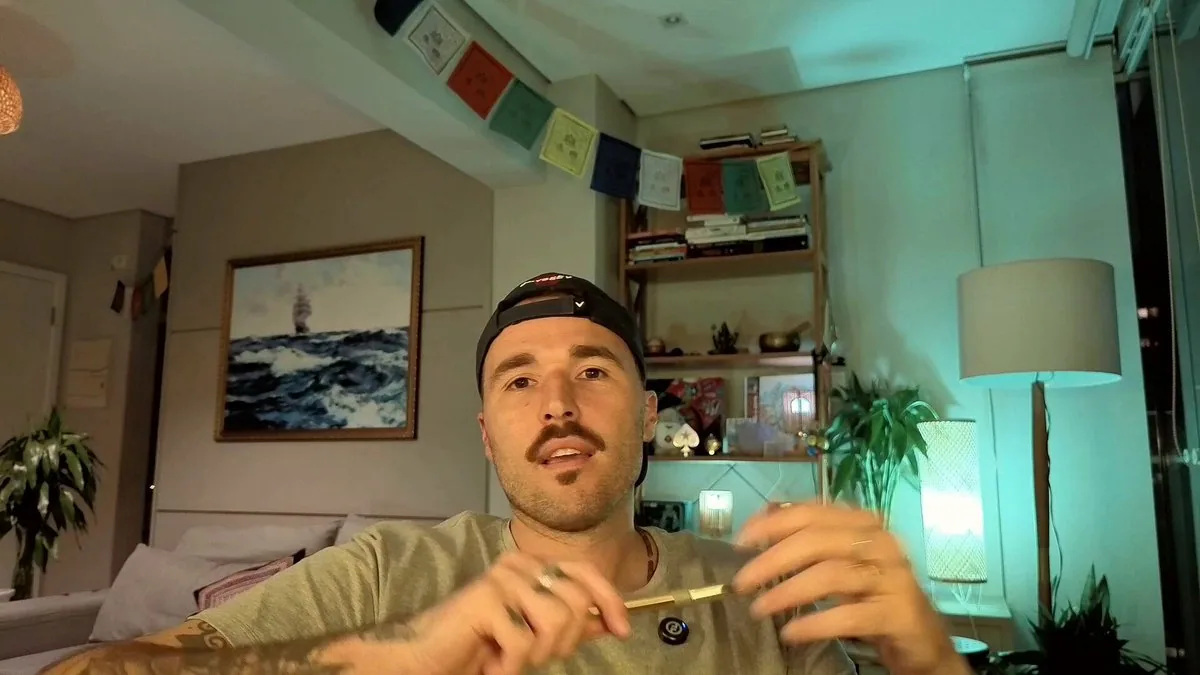
Edit my talking-head video into a polished YouTube video with explanatory motion graphics.

INPUT
- Raw video: <path/to/raw.mp4>. Speech is Portuguese; don't translate.
- Target: at most <6:30>. Style: premium, clean, editorial ("Anthropic/Apple level").
- End card: subscribe + follow me on X (<https://x.com/handle>) + "comment what you want to see next".
- Never cover my face. Never show where I live.

STACK
- Remotion (https://remotion.dev/) for the composition, ffmpeg for cuts and encoding, Python for analysis.
- Transcribe with word timestamps using ElevenLabs Scribe. It has precise word boundaries and marks fillers like "hã"/"é".
- If you use Whisper instead: its word ends stretch over pauses, so refine every cut point with the audio energy.

1) PLAN THE CUT
- Make an indexed transcript (word index → text, start, end).
- Choose keep-ranges by word index. Remove fillers, false starts, repeated sentences and weak tangents until it fits the target.
- Put the strongest line (2–4 s) at the very start as a cold-open hook.

2) CUT, FRAME-ACCURATE AND IN SYNC
- Cut points:
- Cut in the silence between words, never inside a word.
- Keep ~50 ms before the first word and ~60 ms after the last word (~160 ms if it ends a sentence).
- Silences inside kept ranges:
- Detect them with a 10 ms RMS envelope. A threshold around −38 dBFS worked here; measure your own noise floor first.
- Shorten any pause over 0.32 s to 0.22 s (0.36 s after a sentence ends).
- Round every boundary to whole frames (30 fps) and merge touching segments.
- Video: ffmpeg split → trim(start_frame, end_frame) → concat, plus a light grade (hqdn3d, eq, colorbalance, unsharp) → intermediate at CRF 14.
- Audio: cut the same boundaries in numpy with 8 ms fades and no overlap. A/V stays in sync.
- QA: re-transcribe the cut and diff it against the intended text. Fix leaked fragments and clipped word starts, then repeat until clean.

3) FACE TRACK
- Detect the face every 0.2 s (Apple Vision or MediaPipe).
- Smooth with a moving average inside each cut segment, never across a jump cut.
- Use it to frame the camera and to place graphics on the side away from the face.

4) DESIGN SYSTEM
- One palette: dark warm stage #14120F, ivory "paper" #F1ECE2, one accent (clay #D97A4E).
- Fonts: Fraunces (serif display), Inter Tight (UI), JetBrains Mono (labels). Add subtle grain and soft glows.
- No gradient text, no neon.
- Camera layout modes, morphing between them in ~0.7 s (cubic in-out):
- full frame;
- split left/right: rounded camera card 856×936, face at 42% of its height, graphics on the other half;
- PIP: 256 px circle over a full-screen paper sheet, for chapter moments.

5) BEAT SHEET (JSON)
- Give every sentence group a visual, cued to word start times in the cut timeline:
- lower third (name/role);
- big numbers with count-up;
- lists that reveal on each spoken item;
- SVG diagrams that draw on;
- timeline, before→after, comparison cards, quotes;
- arrows annotating objects in the room.
- Structure: cold open with kinetic captions → 1.5 s title card → content → end card (CTAs plus a portrait still).

6) BUILD IN REMOTION
- One composition, 1920×1080 at 30 fps. Put `<OffthreadVideo>` (muted) inside a container whose rect and transform come from the layout keyframes plus the face track.
- Each graphic is a `<Sequence>` component. Drive reveals with useCurrentFrame + interpolate/spring (opacity, translateY, blur).
- SVG draw-on: animate strokeDashoffset using the real path length.
- Jump cuts: alternate zoom 1.0 ↔ 1.075 around the face when the picture jumps. Add a 1–2% slow breathing zoom elsewhere and a punch-in on punchlines.
- Deterministic only: no Math.random.
- Check key frames with `npx remotion still`: face uncovered, no clipped text, nothing appearing before its cue.

7) SOUND
- Voice: highpass 80 Hz, light denoise, −2.5 dB at 280 Hz, +2 dB at 3.6 kHz, de-ess, 3:1 compressor.
- Music: royalty-free lo-fi (e.g. Mixkit). Change track per section with 4 s crossfades.
- Duck 9–12 dB under the voice in the speech band, keeping the lows.
- Louder only on the title and end cards.
- SFX: very subtle whooshes on layout changes, pops on reveals, ticks on counters.
- Master: two-pass loudnorm to −14 LUFS, true peak −1.5.

8) RENDER, VERIFY, DELIVER
- Encode: H.264 CRF 16, AAC 320k, BT.709, +faststart.
- Verify:
- duration within the target, −14 LUFS;
- no frozen stretch over 0.3 s;
- a 40-frame contact sheet;
- re-transcribe the final mix: at least 95% of words should match, so the music isn't masking the voice.
- Deliver the MP4, an .srt from the word timings (max 42 chars per line, 2 lines), and YouTube chapters (first at 0:00, each at least 10 s).

RULES
- Show numbers and claims exactly as I say them.
- Check names and spellings on the web before they go on screen.
- No invented stats or testimonials.
- Short, concrete on-screen copy with no AI clichés.
- Don't publish anything without my OK.