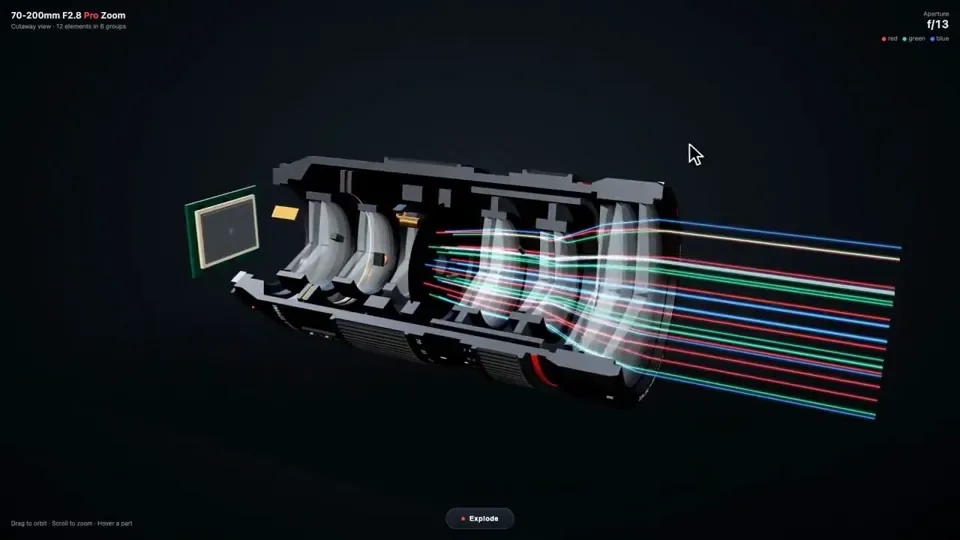
Build me a camera lens in interactive 3D, in one HTML file with Three.js.

Make it look real: a big black pro zoom lens with its glass front, the rubber focus and zoom rings, the red stripe and the white numbers, and inside it the parts you never get to see. The stack of glass elements in their groups, the aperture blades that open and close, the focus motor, the image stabilizer, the zoom cams, and the gold contacts on the mount. Cut it open down the side so I can see the glass inside, with light passing through it as colored beams that bend and meet on the camera sensor behind it. The aperture blades open and close slowly. I can drag to orbit around it and scroll to zoom.

Add an Explode button. When I press it, every part slides apart along the lens with its name on a label. Press it again and it all snaps back together. When I hover a part, it lights up and shows one line on what it does.

No images. Do not ask me any questions. Just build it.