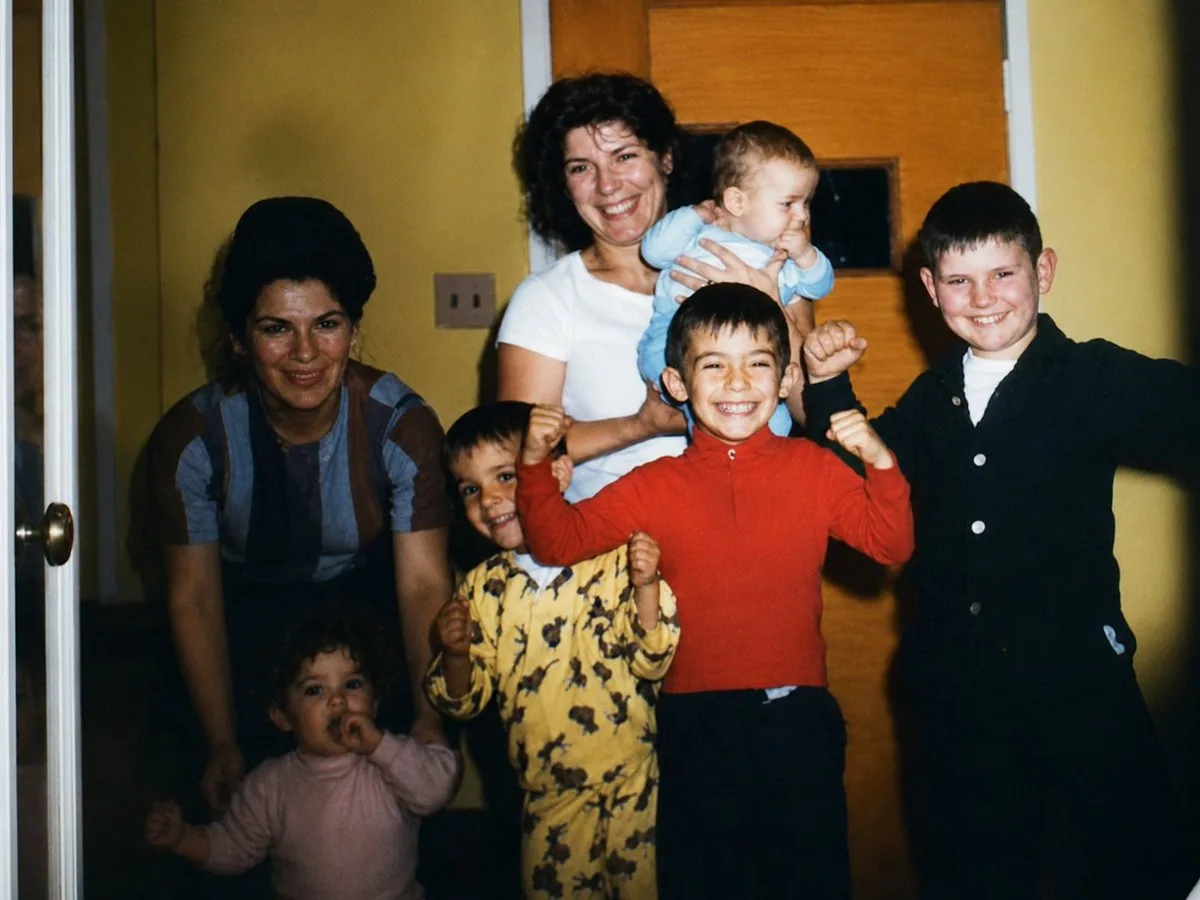
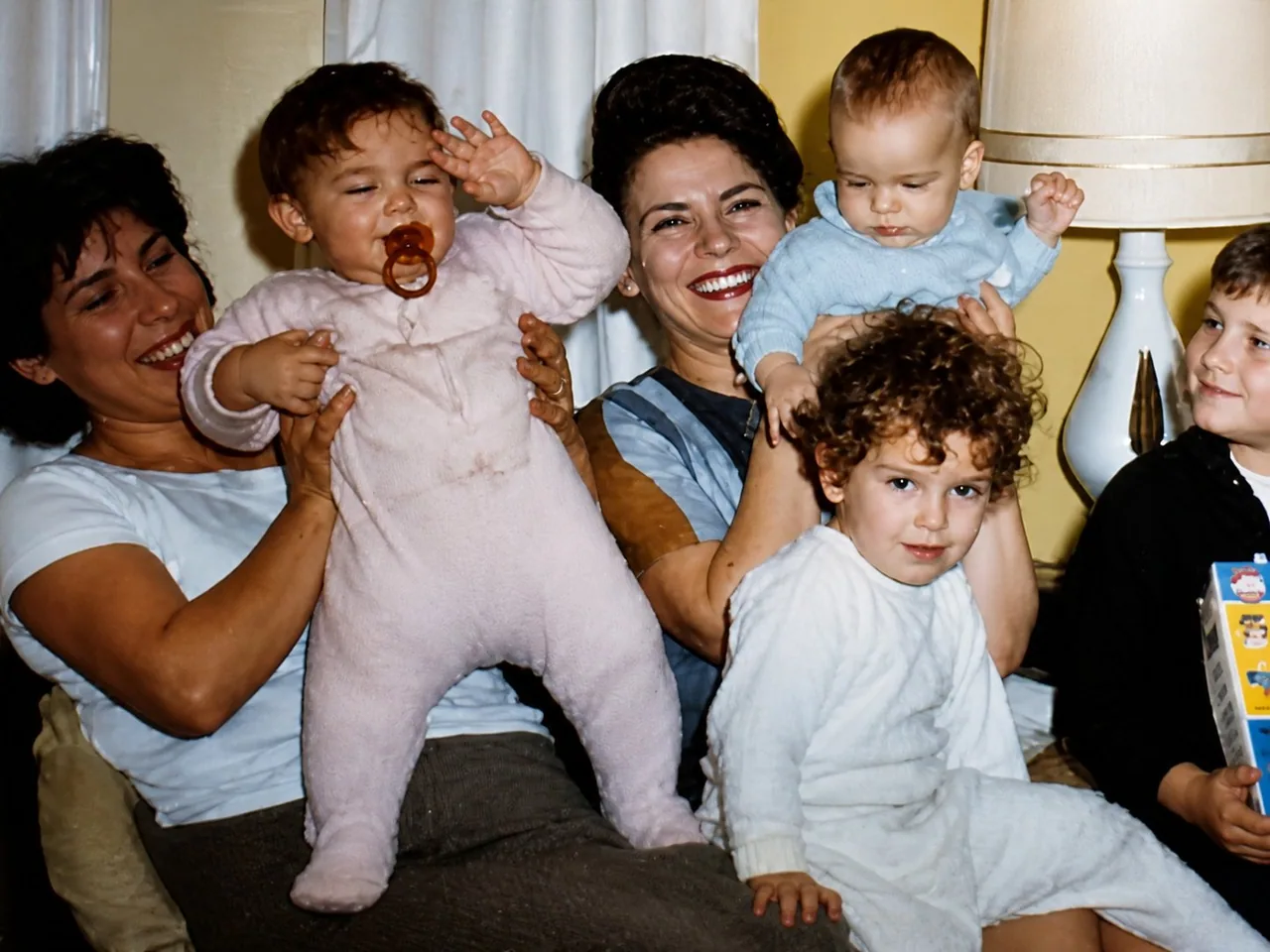
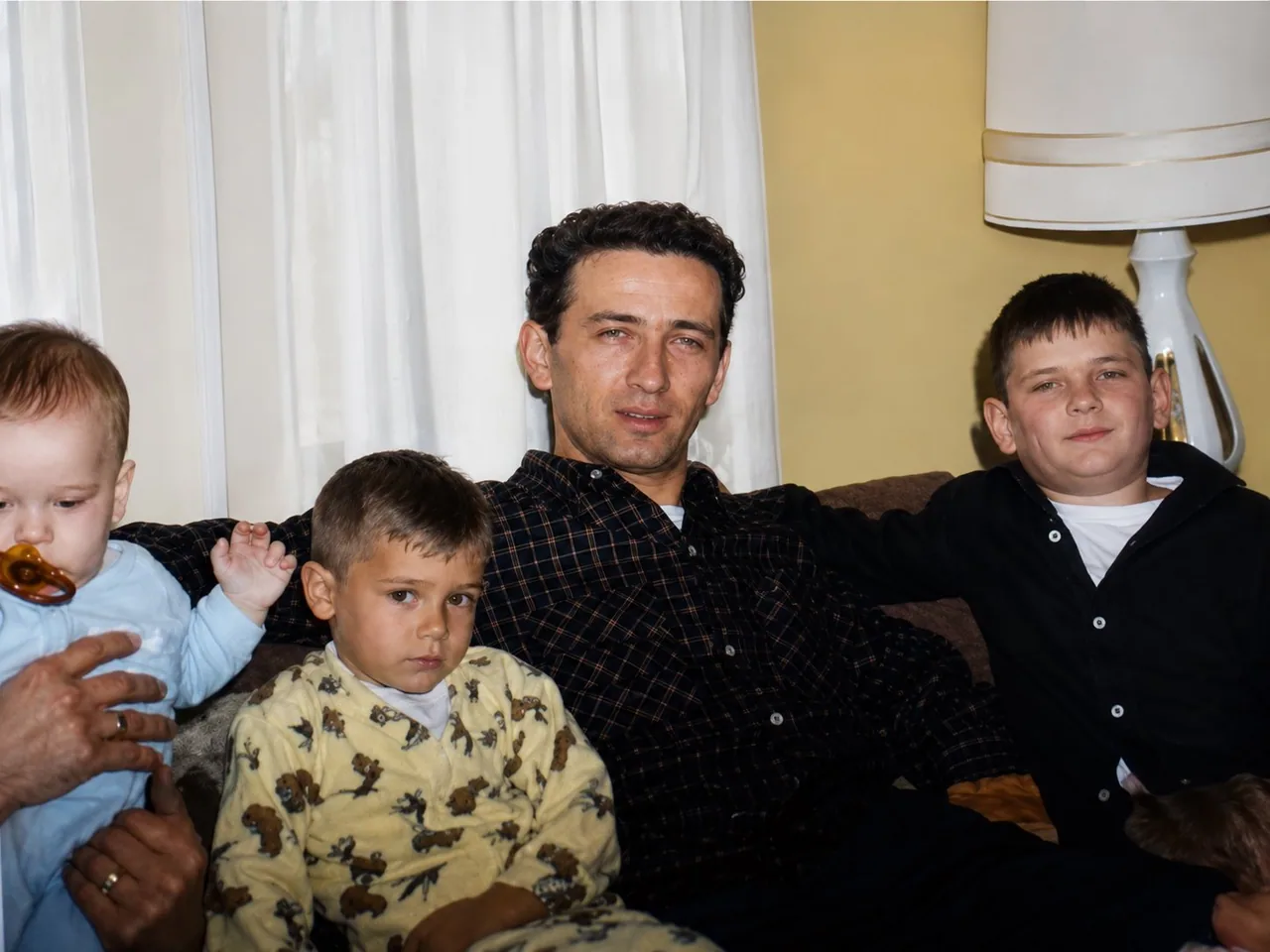
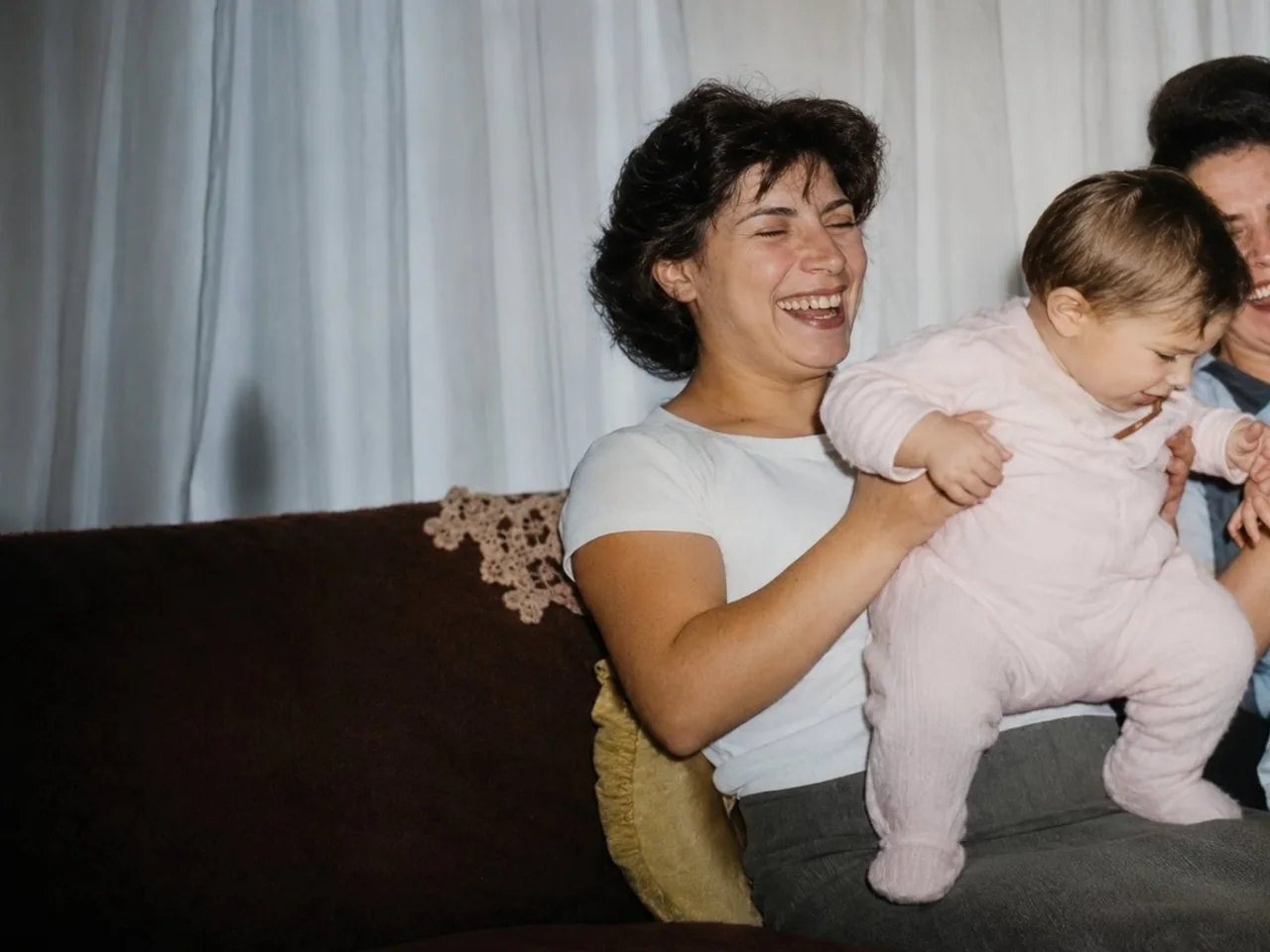
Transform the attached image into a high resolution digital photo that looks like it was taken yesterday. Make it look like it was taken with a Canon EOS R6. Cinematic color grading and lighting. Keep details the same, only change the quality and resolution.

Once GPT-Image 2 gives you the first ultra high quality image, upload the rest of your stills and input the following prompt: do the same for these attached photos  Download all the ultra high quality images
日本語訳
添付された画像を、まるで昨日撮影されたかのように見える高解像度のデジタル写真に変換する。Canon EOS R6 で撮影されたように見せる。シネマティックなカラーグレーディングとライティング。細部は同じままにし、品質と解像度だけを変える。

GPT-Image 2 が最初の超高品質な画像を生成したら、残りのスチール写真をアップロードし、次のプロンプトを入力する: 添付したこれらの写真にも同じ処理をする すべての超高品質な画像をダウンロードする