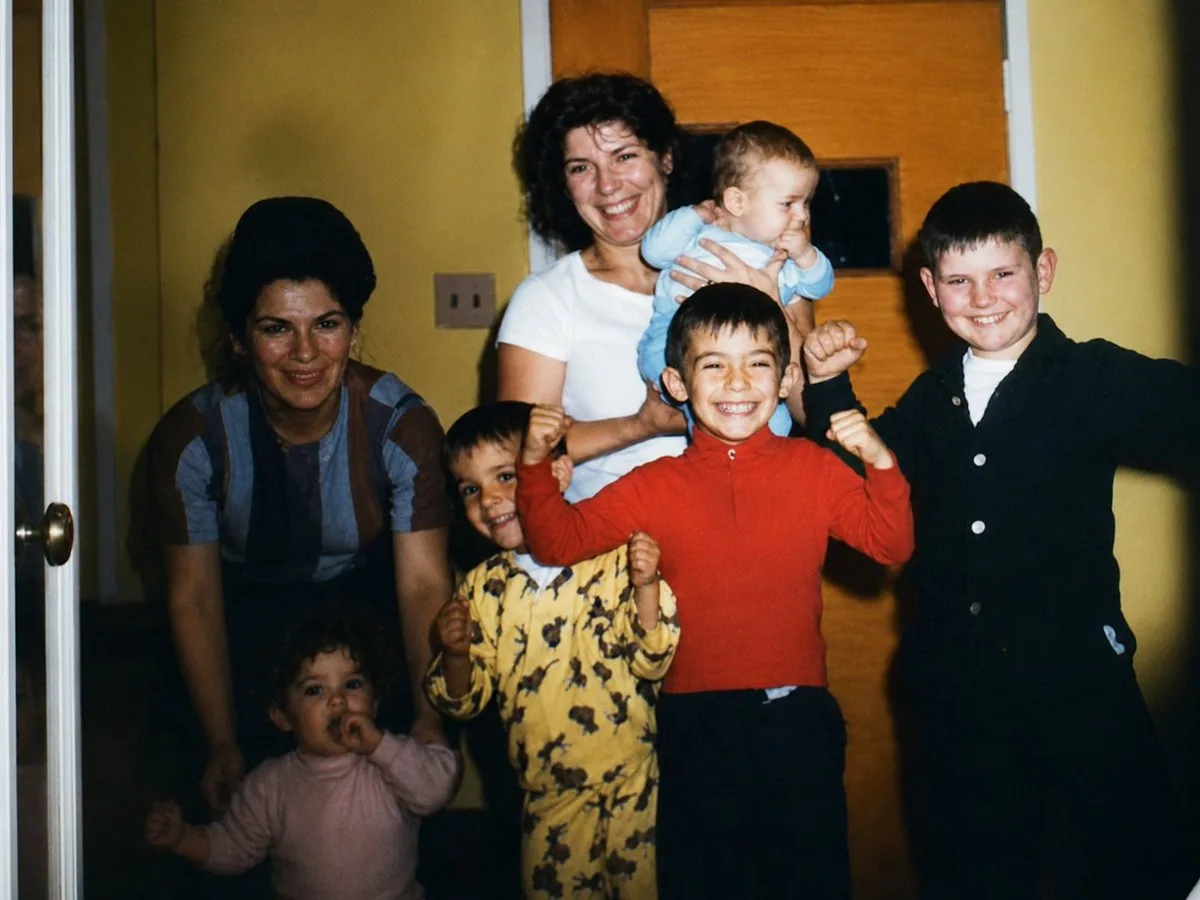
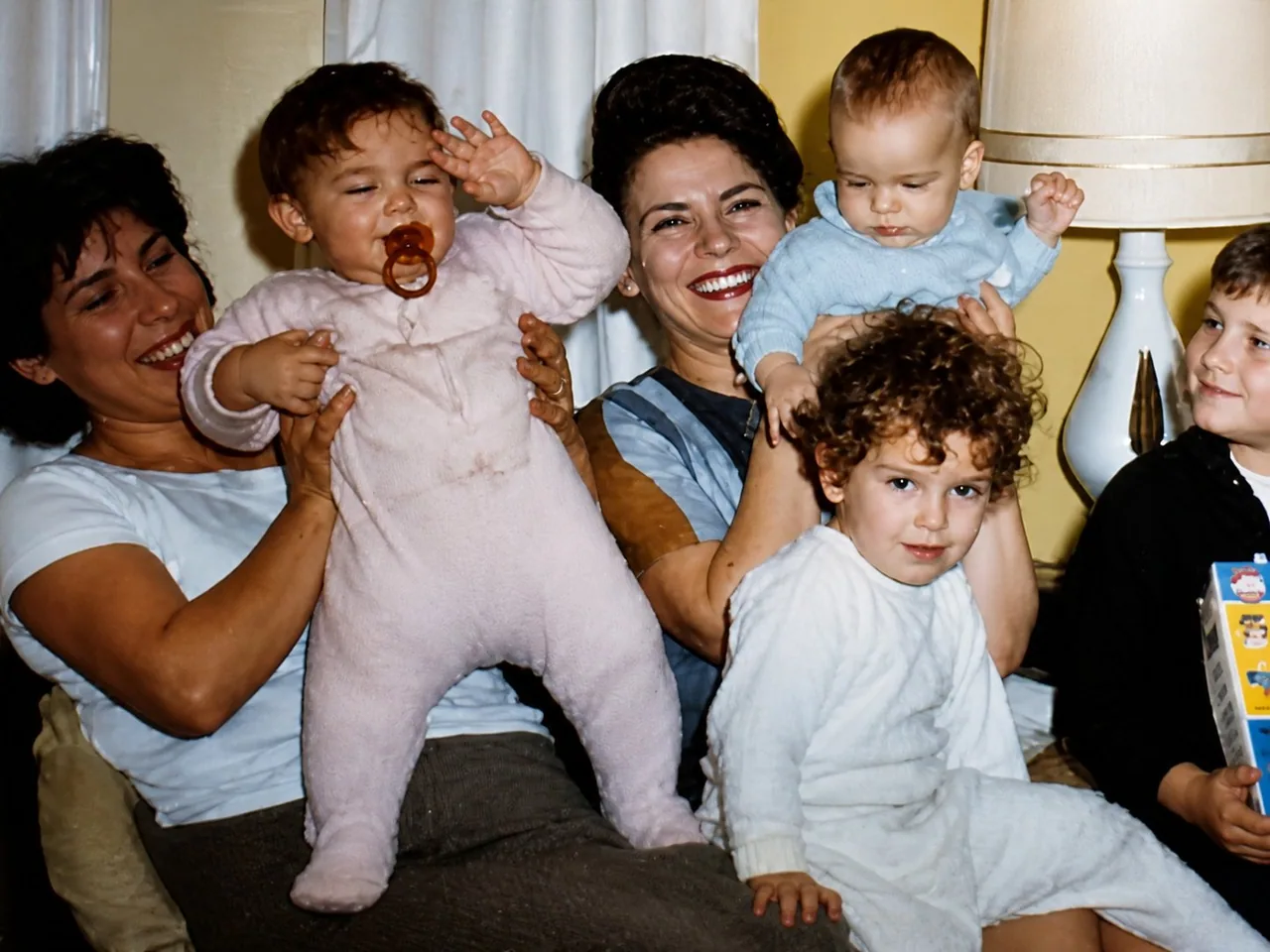
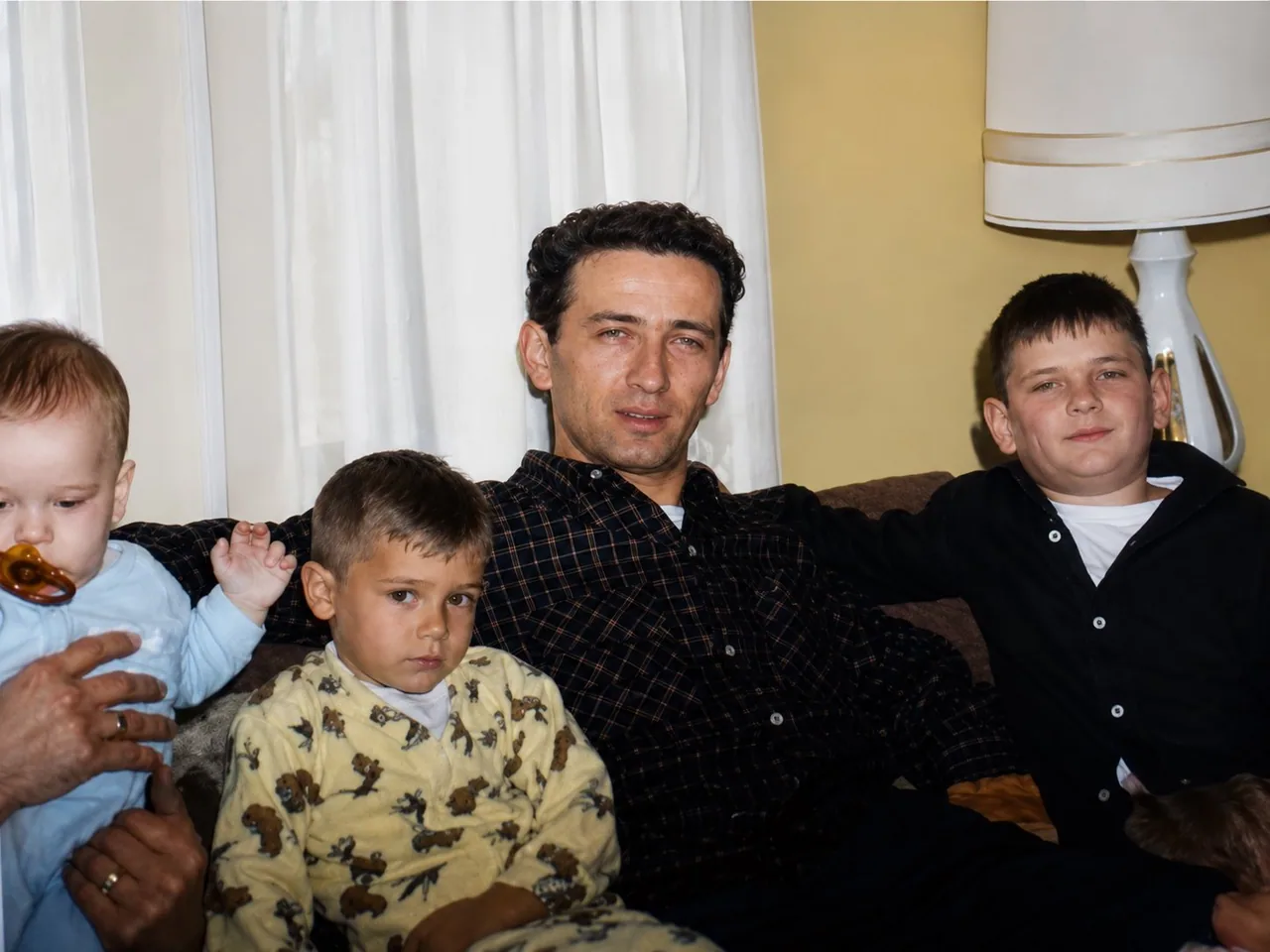
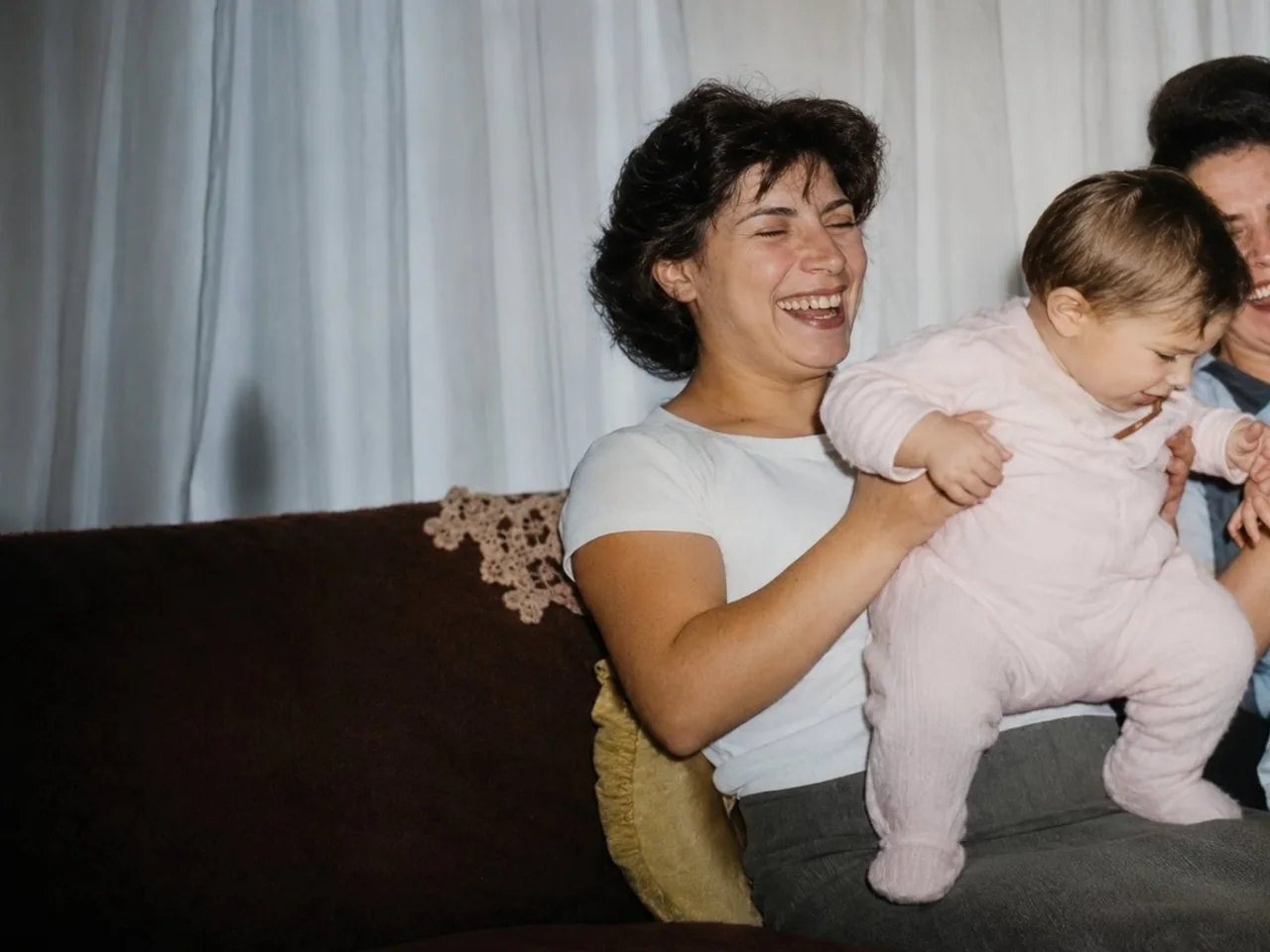
Transform the attached image into a high resolution digital photo that looks like it was taken yesterday. Make it look like it was taken with a Canon EOS R6. Cinematic color grading and lighting. Keep details the same, only change the quality and resolution.

Once GPT-Image 2 gives you the first ultra high quality image, upload the rest of your stills and input the following prompt: do the same for these attached photos  Download all the ultra high quality images
한국어 번역
첨부한 이미지를 어제 찍은 것처럼 보이는 고해상도 디지털 사진으로 변환하세요. Canon EOS R6로 촬영한 것처럼 보이게 만드세요. 시네마틱 컬러 그레이딩과 조명. 디테일은 그대로 유지하고, 품질과 해상도만 바꾸세요.

GPT-Image 2가 첫 번째 초고화질 이미지를 만들어 주면, 나머지 스틸 사진을 업로드하고 다음 프롬프트를 입력하세요: 첨부한 이 사진들도 똑같이 해 주세요  모든 초고화질 이미지를 다운로드하세요