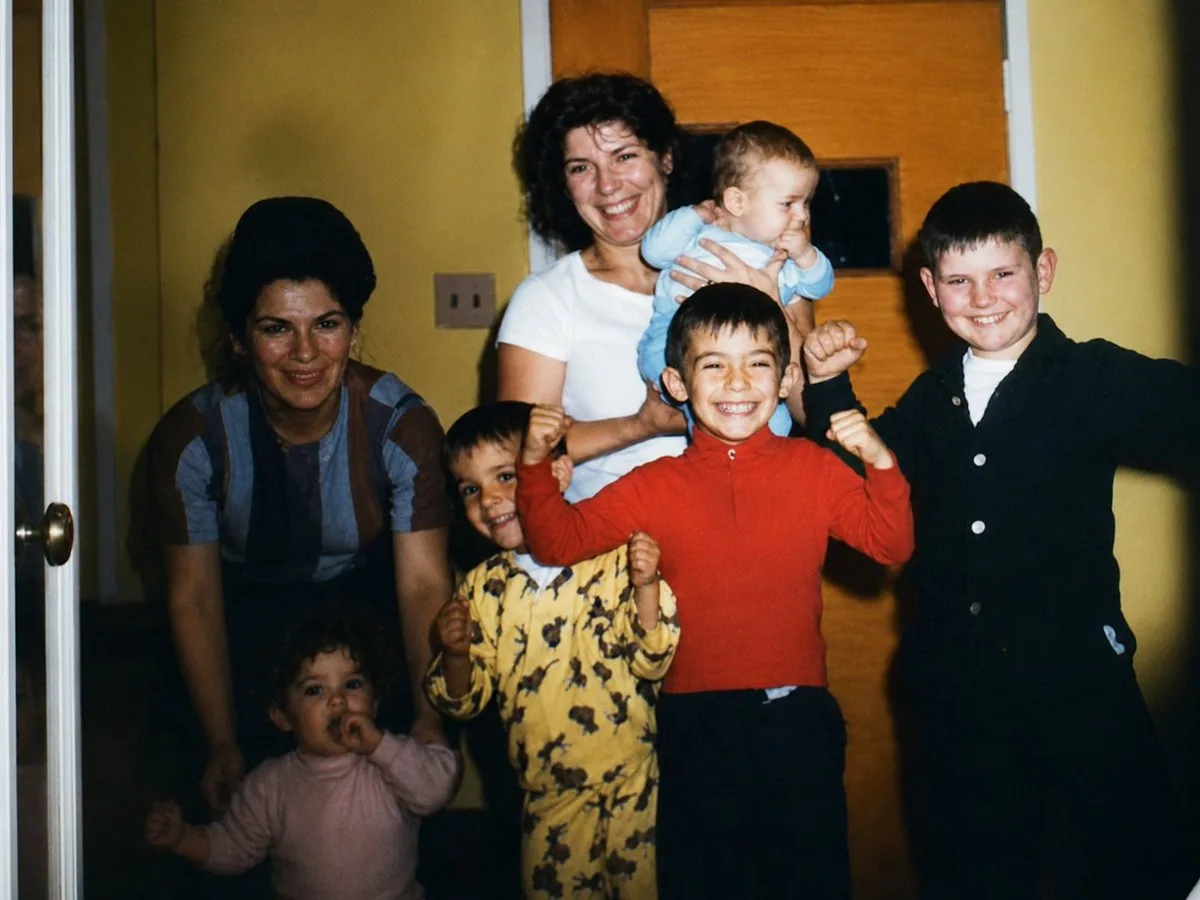
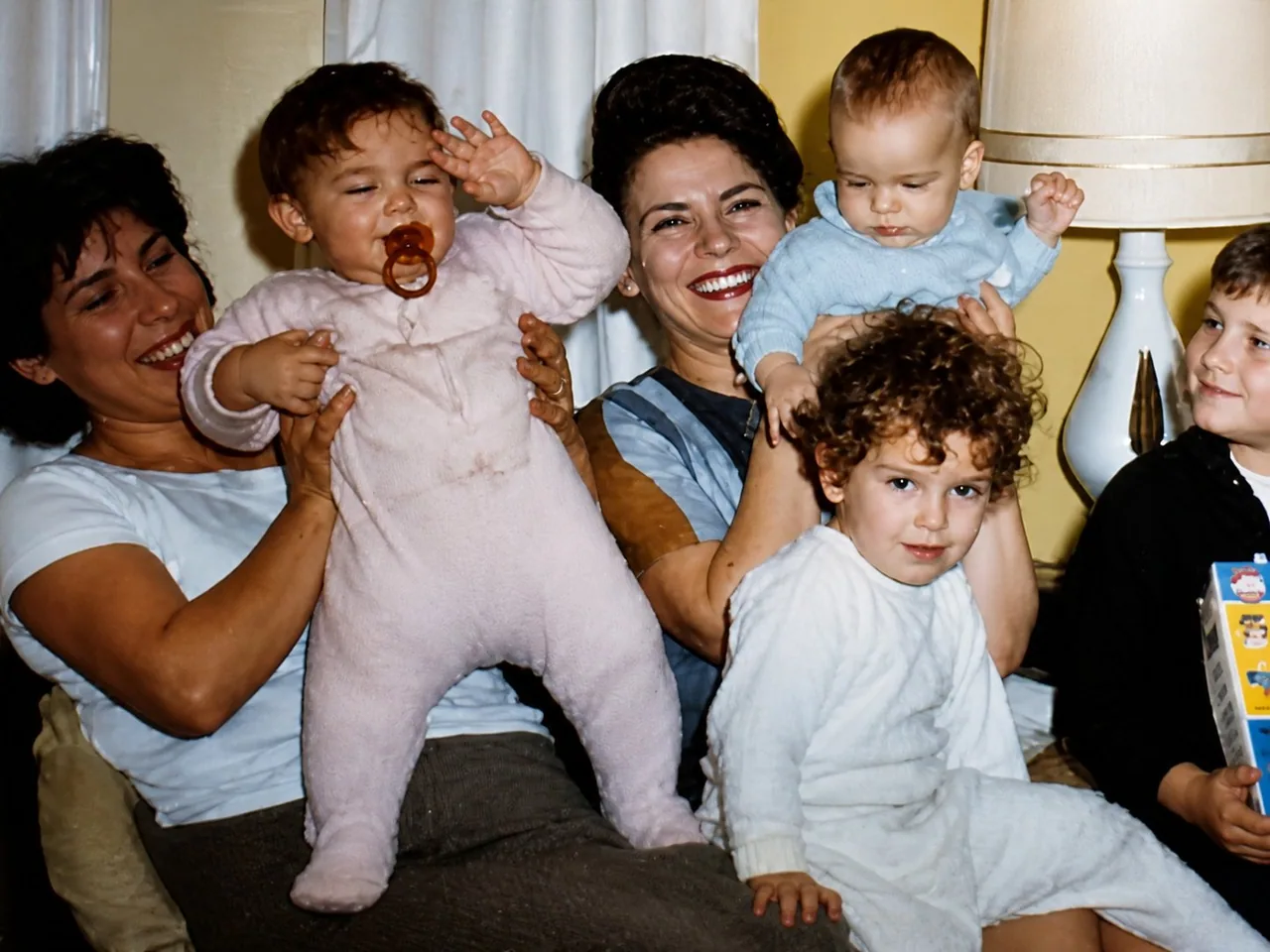
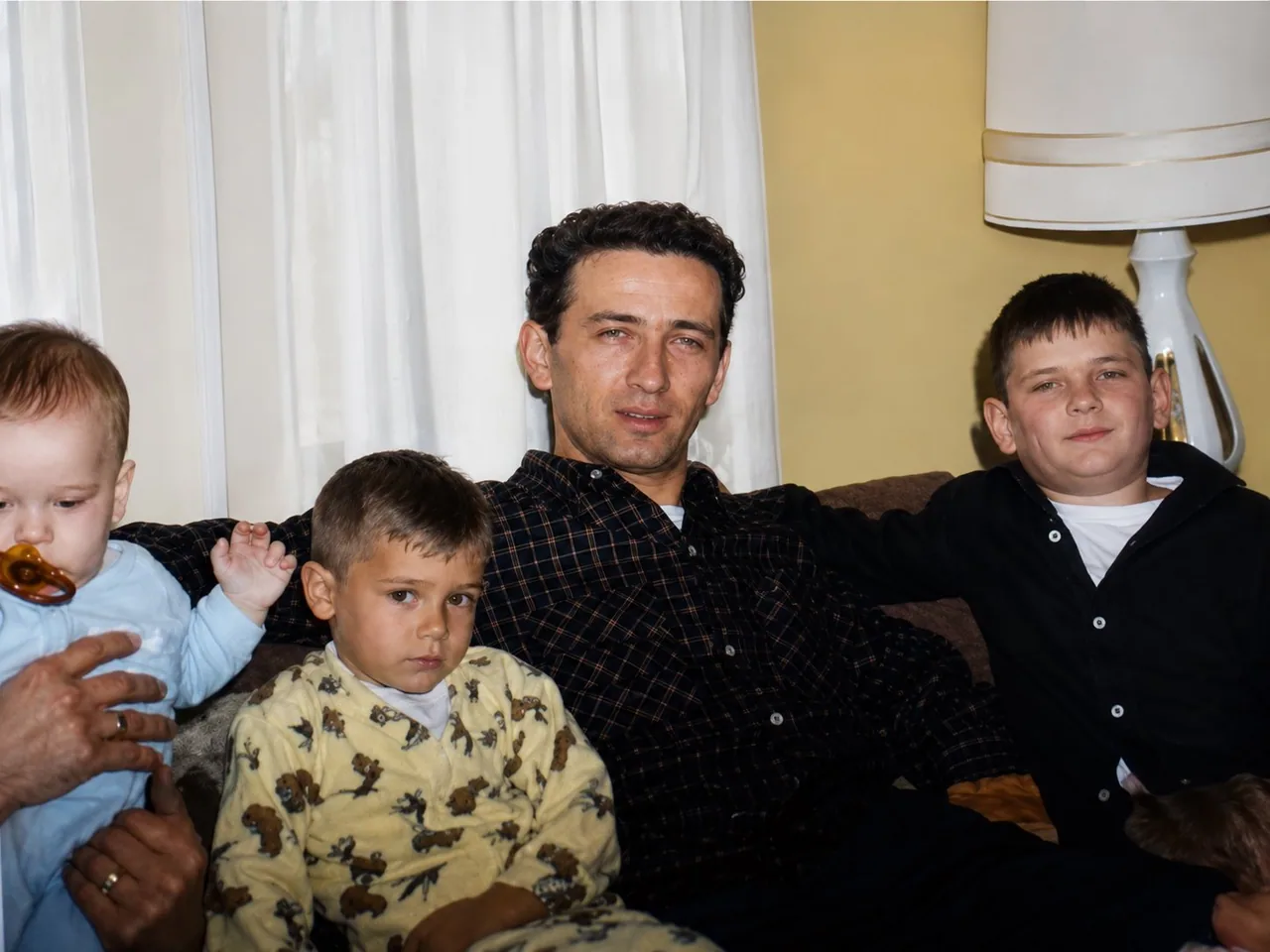
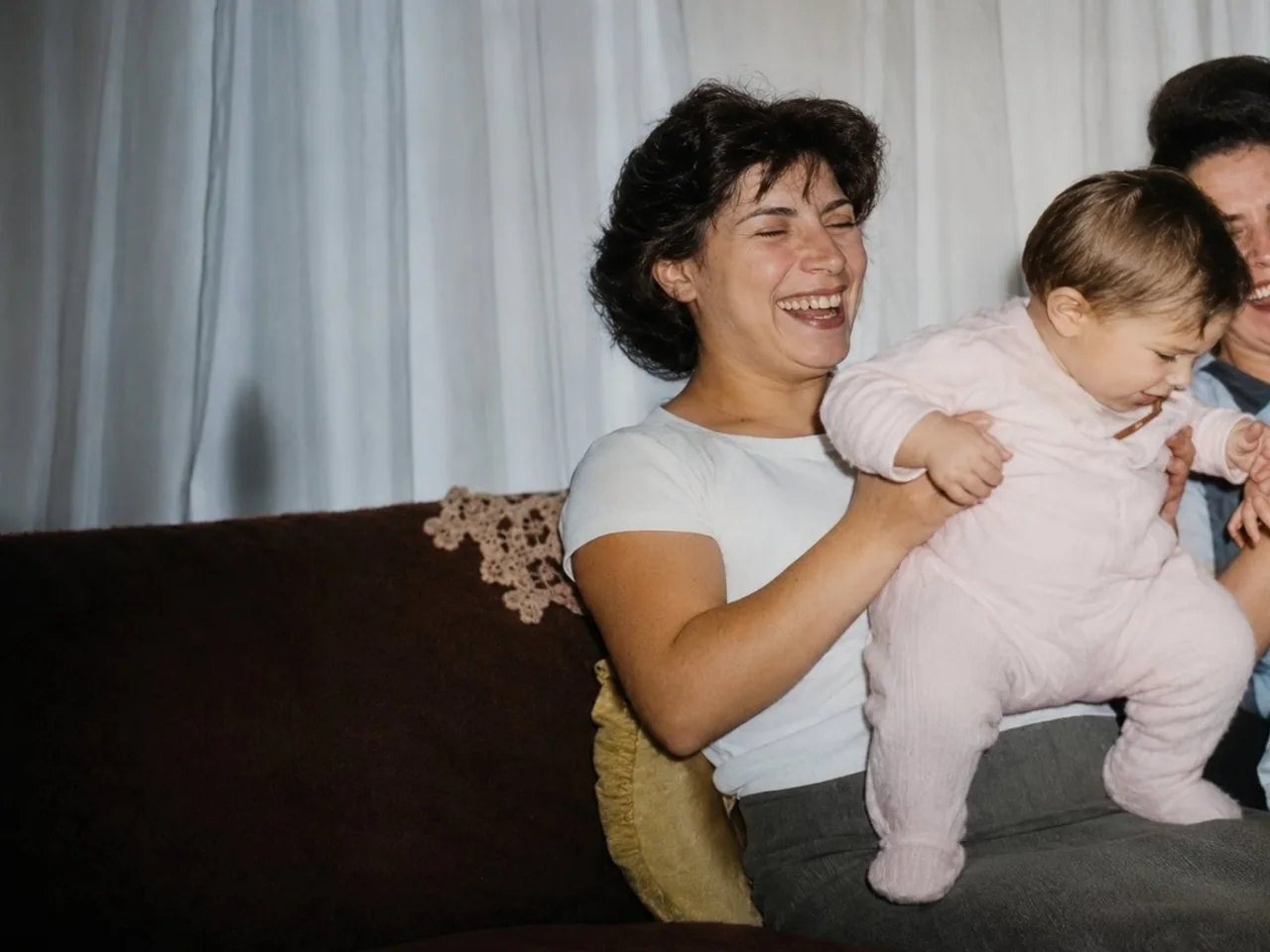
Transform the attached image into a high resolution digital photo that looks like it was taken yesterday. Make it look like it was taken with a Canon EOS R6. Cinematic color grading and lighting. Keep details the same, only change the quality and resolution.

Once GPT-Image 2 gives you the first ultra high quality image, upload the rest of your stills and input the following prompt: do the same for these attached photos  Download all the ultra high quality images
中文翻譯
將附帶的圖像轉換成一張高分辨率數字照片,看起來像是昨天剛拍攝的。讓它看起來像是用 Canon EOS R6 拍攝的。電影級調色與布光。保持細節不變,只改變畫質和分辨率。

一旦 GPT-Image 2 給出第一張超高質量圖像,就上傳你其餘的靜態照片並輸入以下提示詞:對這些附帶的照片做同樣的處理  下載所有超高質量圖像